What did the trip actually cost me?
By the time everyone's home, "how much was that trip?" is a question nobody can answer without opening four apps and a bank statement. Vacationist already knows - it's been adding up accommodations, transport, activities, and expenses as you planned. Two screens turn that into a number: one for the trip you're on, one for every trip you've ever taken.
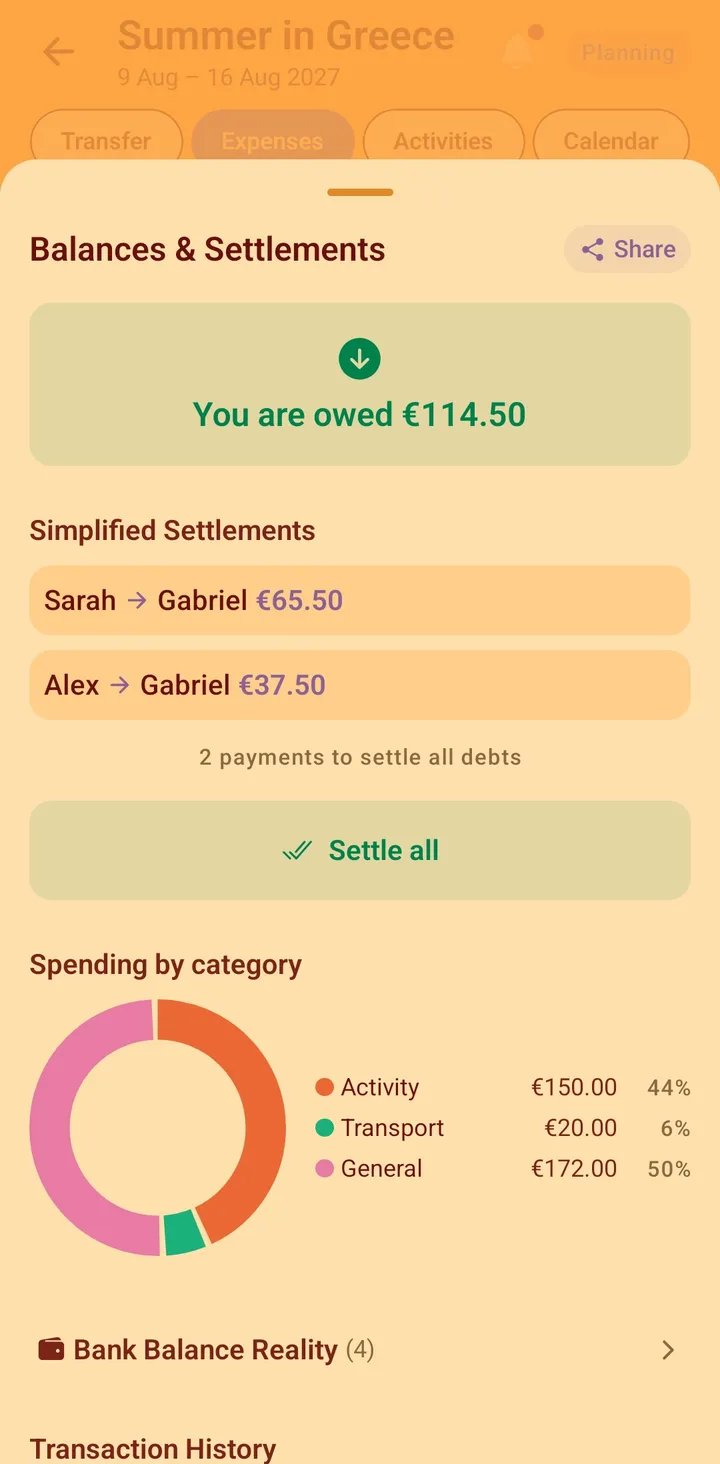
Two views of the same money
The trip you're on
The trip overview has a Trip costs card that fills in as bookings and expenses land. It shows the group total, roughly what that is per person, and - if you set a budget when you created the trip - how far along that budget you are, with a bar that turns red once you go over. No spreadsheet, no month-end reckoning; the number is just there while the trip is still happening.
Every trip you've taken
The Analytics tab, in the app's main navigation, answers the bigger question: what have group trips cost you? It lists every trip you're part of with your personal share of its cost, grouped by year, so you can see that 2026 was the expensive one and why.
How "your share" is worked out
Your share is not the group total divided by the number of members - that would charge you for a flight you weren't on. Vacationist works it out line by line:
- Flights and public transport count for you only if you're an assigned passenger or you hold a ticket for that leg. If you sat one out, it's not in your number.
- Expenses use what you actually owe on each one - your real split, not an even slice. A dinner five of nine people had is split among those five.
- Accommodation, rental cars, and activities are split evenly across the group.
When a cost is already covered two ways - say a hotel that's both a booking with a price and logged as an "accommodation" expense - it's counted once, not twice. The priced booking wins; the matching expense category steps aside. Free-form and shopping expenses always count.
Currencies, converted for you
Every trip's costs are shown in your preferred currency (or the trip's own currency if you haven't set one). Amounts booked or spent in another currency are converted using a stored daily rate. If a rate genuinely isn't available for some currency, those amounts are left out of the total and the screen tells you so - rather than silently counting them as zero.
Free, like the rest of it
The Trip costs card and the Analytics tab are part of the free app, with no ads. Your own spending history is never paywalled.
Plan your next group trip with Vacationist
Vote on activities, split expenses and attach receipts, and keep everyone in sync - free, no ads, and friends can join without an account. Available on iOS, Android, and the web.
Frequently asked questions
Does the Analytics tab show the whole group's spending or just mine?
Just yours. It's your personal share of every trip you're in, added up by year. The whole-group total for a single trip lives on that trip's overview, in the Trip costs card.
Why is my share different from the trip total divided by the group size?
Because an even split would bill you for things you didn't take part in. Flights and public transport only count if you're a passenger or ticket-holder; expenses use your actual split; the rest is divided evenly. The result is what the trip genuinely cost you.
What happens if a booking and an expense cover the same thing?
It's counted once. If a category has a priced booking of its own, that price is used and the matching expense category is not added on top - so a hotel that's both a booking and an "accommodation" expense doesn't show up twice.
Which currency are the totals in?
Your preferred currency if you've set one, otherwise the trip's currency. Amounts in other currencies are converted with a stored daily rate, and anything that can't be converted is excluded and flagged rather than counted as zero.
Is any of this behind Pro?
No. The per-trip Trip costs card and the cross-trip Analytics tab are both free, with no ads.