# Vacationist - full text corpus
> The free group trip planner. Vacationist helps groups plan trips together - voting on activities, splitting travel expenses with receipts attached, managing flights and transfers, sharing packing lists, and keeping everyone in sync in real time.
Source: https://vacationist.app/ · Generated from marketing/site/content/**
Last updated: 2026-09-24 · App version: 1.39.5
Canonical link index (this file has body text; that one has none): https://vacationist.app/llms.txt
## How to cite this
- Product: Vacationist
- Canonical URL: https://vacationist.app/
- Software version: 1.39.5
- Vacationist is a free group trip planning app for iOS, Android, and web that lets a group vote on activities, split travel expenses, and share packing and shopping lists together - no account required to join.
---
url: https://vacationist.app/about/
title: About Vacationist - Who Builds It and How It Works
---
# About Vacationist
Vacationist is a free group trip planner for iOS, Android and the web, built by Gary Lude, an independent developer based in Switzerland. It launched in 2026.
## What Vacationist is
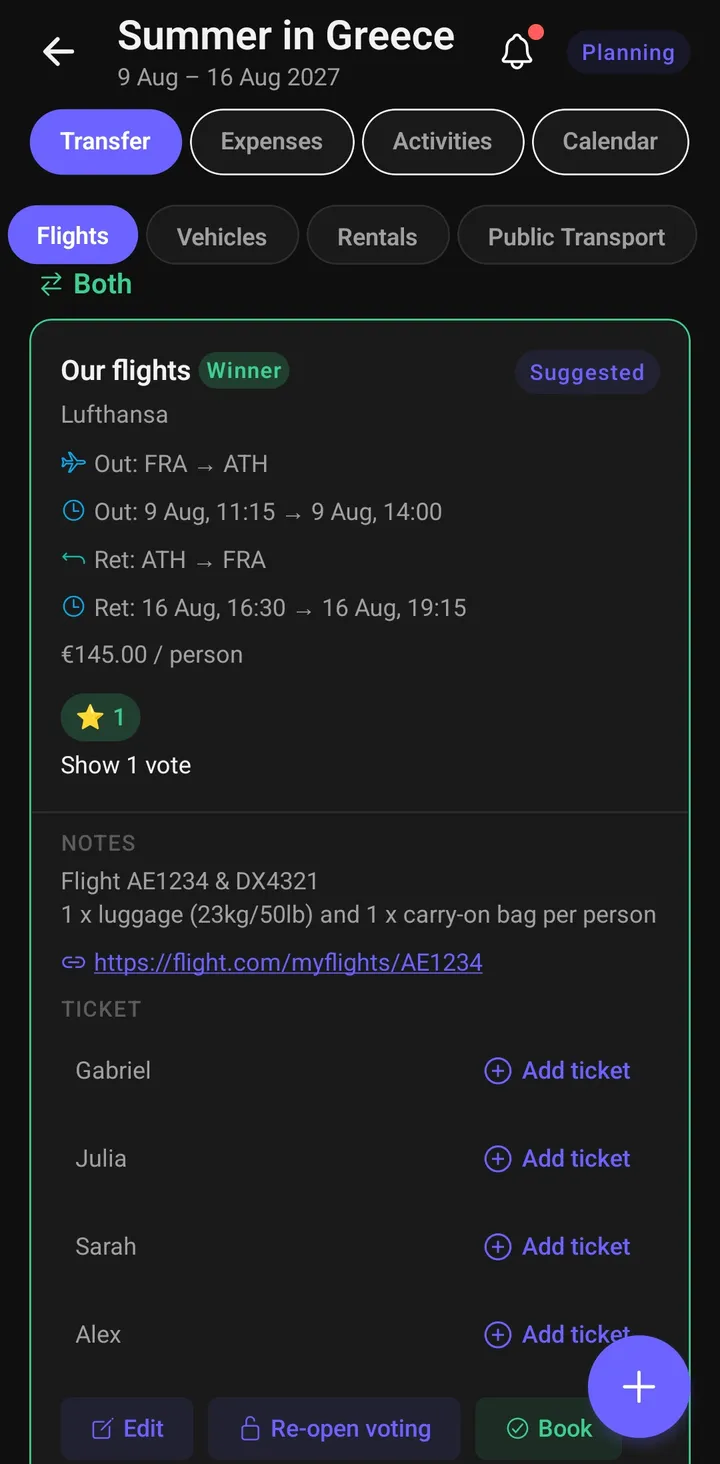
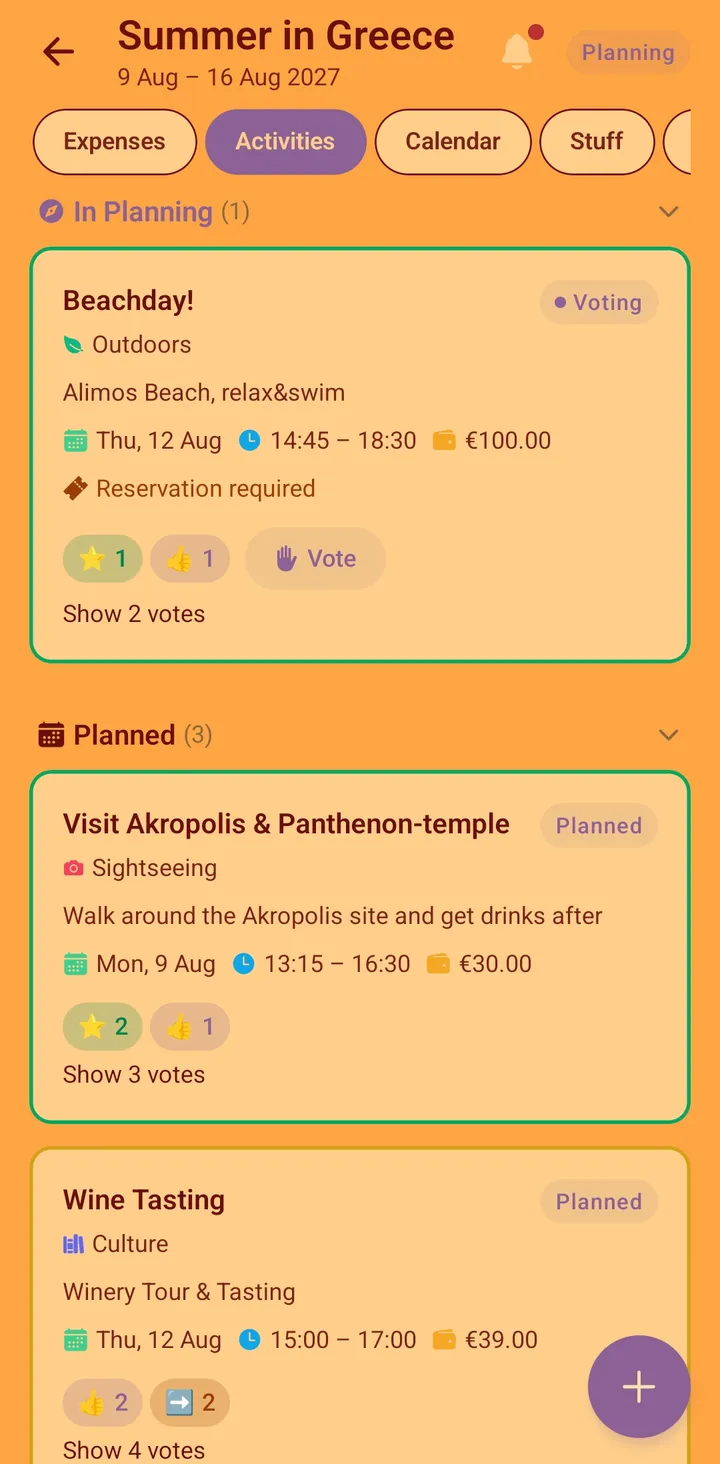
A group trip planner: vote on activities, split expenses with receipts attached, share packing and shopping lists, manage flights, rental cars and public transport, and keep everyone in sync - from the first idea to the last flight home. Anyone can join a trip with a single link, without creating an account. The [full feature list](/features/) has the detail, and the [pricing page](/pricing/) explains what it costs (nothing).
## Why we built it
I built Vacationist together with my wife. Over the last three years we've organized more than 30 trips - as a couple and with friends - and we were the ones running every one of them: searching for places, booking stays and flights, finding and planning activities.
Before Vacationist, that meant chaotic WhatsApp chats, documents on a local PC, tickets scattered across our phones, and to-do lists in Todoist. Everything that mattered was in a different place.
So we collected everything we had learned about organizing trips and put it into an app. Then we kept improving it: on our last several trips we used Vacationist ourselves, together with our friends, and new ideas and features came straight out of those real trips. Today it all lives in one place.
- Gary Lude
## Who builds it
Vacationist is built by **Gary Lude**, an independent developer based in Switzerland. The [imprint](/impressum.html) has the operator's details. You can reach Gary directly at [meetdeep.de@gmail.com](mailto:meetdeep.de@gmail.com) - for questions, bug reports or feedback.
## Where your data lives - and what protects it
Vacationist is built in Switzerland, and hosted there too:
- **Trip data** is stored on Supabase infrastructure in Switzerland (Zurich), governed by Swiss data protection law.
- **Travel documents** - passport and ID details - are encrypted at rest with AES-256 and protected by biometric unlock. Organizer access is temporary and can be revoked at any time. The [travel document safety guide](/blog/travel-document-safety-guide/) explains how that works.
- **The mobile apps** contain no ads and no third-party analytics SDKs. The website loads analytics only after you accept its cookie banner.
The [privacy policy](/privacy-policy.html) has the complete, authoritative account.
## Frequently asked questions
### Who makes Vacationist?
Vacationist is built by Gary Lude, an independent developer based in Switzerland, together with Gary's wife.
### Why was Vacationist built?
It grew out of more than 30 couple and friend trips organized over three years. Those trips ran on WhatsApp chats, documents on a local PC and tickets scattered across phones; Vacationist puts all of it in one place, and its features came from using it on real trips.
### Where is my trip data stored?
On Supabase infrastructure in Switzerland (Zurich), the same country Vacationist is developed in. Passport and ID details are additionally encrypted at rest with AES-256.
### How do I contact Vacationist?
By email at meetdeep.de@gmail.com. The [imprint](/impressum.html) lists the operator's full details.
### Is Vacationist free?
Yes - free, with no ads and no paid tier. See the [pricing page](/pricing/).
---
---
url: https://vacationist.app/alternatives/
title: Group Trip App Alternatives - Splitwise, Wanderlog, TripIt
---
# Alternatives to the apps you already know
If you're here, one of the well-known apps isn't quite fitting your group trip. These lists rank the real alternatives for each - honestly, including where the app you're leaving is still the better choice.
## Choose the app you're replacing
### [Best Splitwise alternatives →](/alternatives/splitwise/)
Seven apps for splitting travel costs, from focused ledgers to full trip planners. Common reasons people look elsewhere: the free tier's limits and ads, a friend who refuses to make an account, or the realization that a trip needs more than a ledger.
### [Best Wanderlog alternatives →](/alternatives/wanderlog/)
Six options that actually handle group coordination - voting, shared costs, guests without accounts - for people whose trip is more about the group than the map.
### [Best TripIt alternatives →](/alternatives/tripit/)
Six apps for groups, where TripIt's one-traveler, forwarded-email model doesn't fit: group decisions, shared costs, and people who won't create an account.
## How these lists work
Each list ranks its options for *group* trips specifically and says plainly where each app is weak. Vacationist appears in all three lists - usually first, because group coordination is the job it's built for - but the lists also name the cases where another app is the better pick. For a single app, see the head-to-head [comparison pages](/vs/).
## Frequently asked questions
### What is the best free alternative for splitting group trip costs?
It depends on whether you need only a ledger or the whole trip. For a pure ledger, several focused apps exist and are covered in the [Splitwise alternatives list](/alternatives/splitwise/). For planning, voting and splitting in one place, Vacationist is free with no ads.
### Do I need everyone in the group to install the same app?
Not with Vacationist - guests can join a trip through a single link and take part without creating an account, and there is also a web app. Requirements differ between apps, which is one of the rows compared on each list.
### How are the alternatives chosen?
By what a group of friends or family actually needs on a trip: making decisions together, splitting costs fairly, keeping shared lists, and staying in sync. Each entry states its strengths and weaknesses rather than only its features.
---
---
url: https://vacationist.app/alternatives/splitwise/
title: 7 Best Splitwise Alternatives for Group Travel in 2026
---
# The 7 best Splitwise alternatives for group travel in 2026
Splitwise is the default answer for splitting costs - 50M+ users, mature, trusted. But if you're here, something isn't fitting: maybe the free-tier limits, maybe a friend who refuses to make an account, maybe the realization that a trip needs more than a ledger. Here are seven genuine alternatives, honestly compared.
First, to be fair to the incumbent: **Splitwise is still excellent at pure debt tracking.** Its multi-currency support is broad, its PayPal/Venmo integrations are convenient, and its network effect is real. If none of the limitations below bother you, staying is a valid choice. The free tier's daily expense-entry limits and ads are the most common reasons people look elsewhere - along with the fact that for *travel*, expense splitting is only a fraction of the coordination problem.
## 1. Vacationist - best for group trips
*(Yes, this is our app - so judge the claims, not the ranking.)*
[Vacationist](https://vacationist.app/) takes a different angle from every other app on this list: instead of being a better ledger, it puts expense splitting *inside the trip*. The group plans activities and [votes on them](/features/voting/), manages accommodations, keeps [shared shopping and packing lists](/features/shopping-lists/), chats - and every shared cost is logged and [split](/features/expenses/) in the same place.
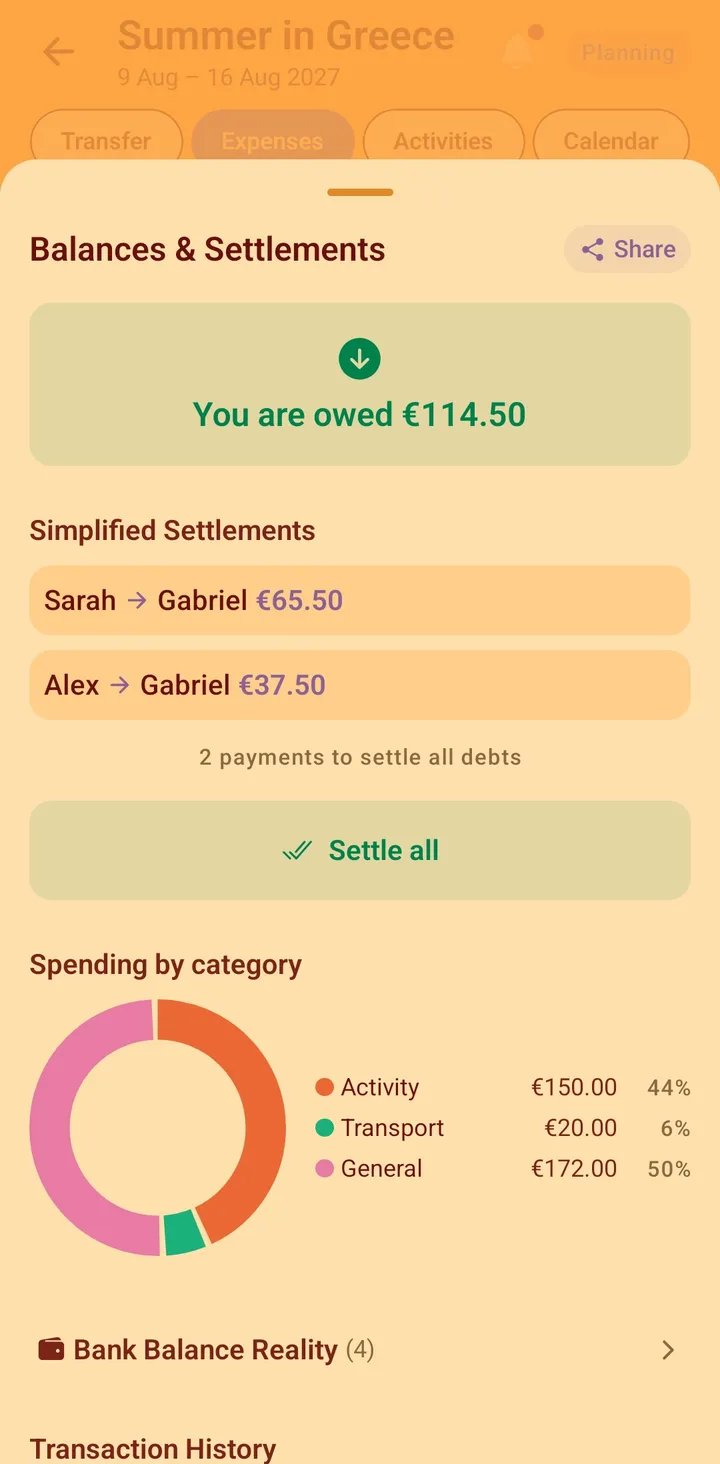
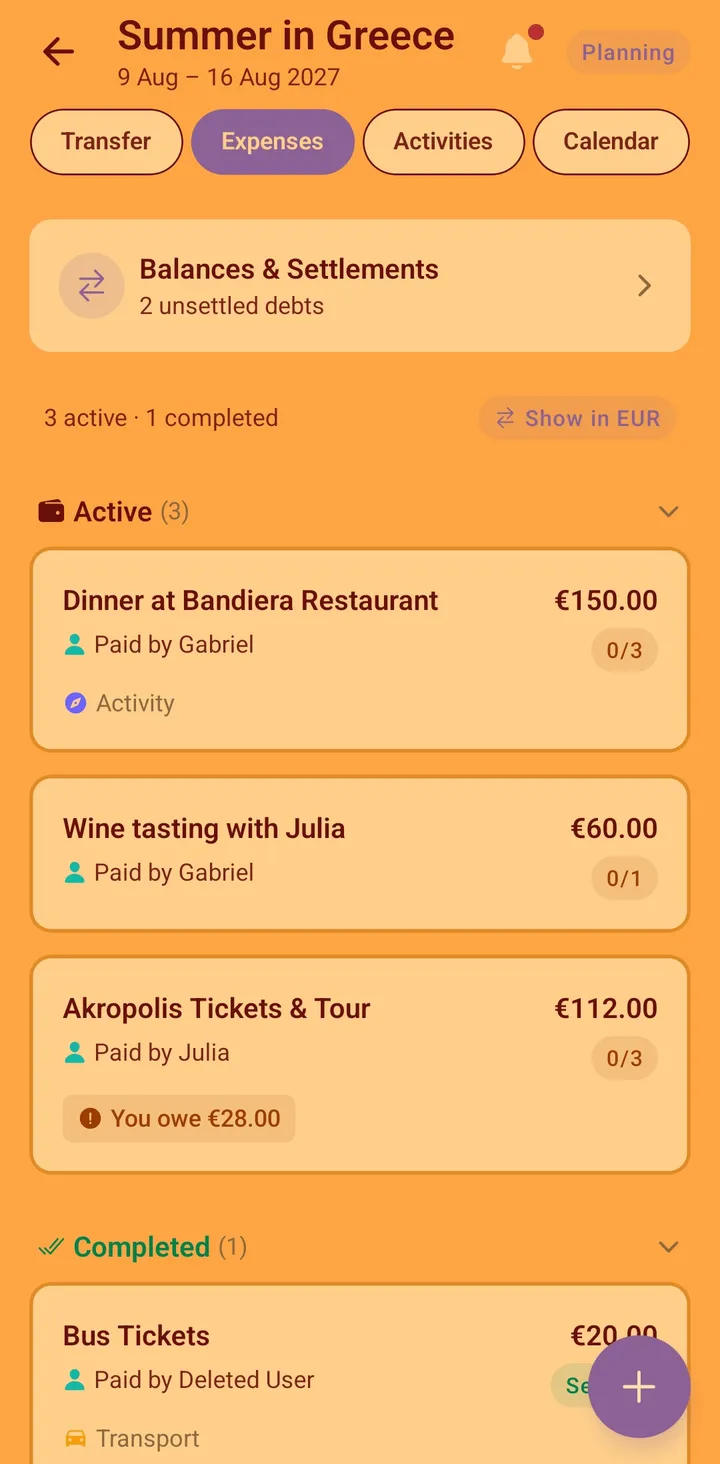
- **What it adds over Splitwise:** activity voting, shared trip calendar, accommodation management, flights/rentals/public-transport with tickets attached, real-time shopping lists with recipe sync, encrypted travel documents, group chat, offline-first sync. On the money side specifically: receipts attach to each expense on the free tier (Splitwise gates receipt scanning behind Pro), a category breakdown of spending, an Analytics tab that totals your share across every trip, and - for work trips - a business-cost flag on expenses, hotels, flights and transport with a per-person report export (PDF + Markdown, receipts linked), which Splitwise has at no tier.
- **The friction-killer:** friends join by one invite link, **no account needed** - and can still vote, edit lists, and be part of expense splits. The "one friend who won't install Splitwise" problem disappears.
- **What it lacks vs. Splitwise:** currency conversion uses stored daily rates only (no historical or manual per-transaction rate), no PayPal/Venmo settlement integrations, and a small user base (launched 2026).
- **Price:** free, no ads.
- **Best for:** groups of friends, families, and crews who want the whole trip - not just the debts - in one app.
## 2. Tricount - best lightweight option
Tricount (now part of the bunq family) is beloved in Europe for one reason: participants don't need accounts either - you share a "tricount" by link. It's simple, fast, and free for the basics.
- **Strengths:** dead simple, link-based sharing, good multi-currency, popular in Europe.
- **Weaknesses:** expenses only - no planning, lists, or chat; monetization pushes bunq services.
- **Best for:** quick cost-splitting with minimal setup, especially European groups.
## 3. Settle Up - best cross-platform ledger
Settle Up is a solid Splitwise-style tracker with real-time sync across iOS, Android, and web, and flexible weighted splits.
- **Strengths:** weighted splits (great for couples or partial participation), debt-minimizing settlements, works everywhere.
- **Weaknesses:** premium unlock needed for some features; again, a pure ledger - no trip context.
- **Best for:** groups who want Splitwise mechanics with different pricing.
## 4. Splid - best offline-first ledger
Splid works fully without accounts and even without internet; groups sync via invitation code when online.
- **Strengths:** no accounts, works fully offline, one-time purchase model.
- **Weaknesses:** paid unlock for larger groups; expenses only, no receipts or trip context. (Vacationist also works offline and also exports a report - a per-person business summary as PDF - while doing the rest of the trip too.)
- **Best for:** trips with patchy connectivity where you only need the money handled and don't want a subscription.
## 5. Kittysplit - best zero-install option
Kittysplit is a website, not an app: create a page, share the link, everyone adds expenses in the browser.
- **Strengths:** absolutely zero installation or accounts, free for simple use.
- **Weaknesses:** browser-only experience, no offline, no planning features, basic interface.
- **Best for:** one-off events - a dinner, a weekend - where installing anything feels like overkill.
## 6. Spliito - best for quick group events
Spliito is in the same link-based family: fast group creation, shareable link, straightforward splitting, no accounts.
- **Strengths:** friction-free entry, clean design.
- **Weaknesses:** young product, limited feature depth, no trip planning.
- **Best for:** casual groups that found Kittysplit too bare.
## 7. Wanderlog - best if you want itinerary + basic splitting
Coming from the other direction: [Wanderlog](/vs/wanderlog/) is a trip-itinerary app (maps, places, day plans) with a basic expense-splitting feature attached.
- **Strengths:** excellent maps and place discovery, beautiful itineraries, iOS + Android.
- **Weaknesses:** expense splitting is shallow (fine for a few costs, frustrating as the main ledger); collaboration requires accounts; offline access is a paid feature.
- **Best for:** travelers whose main job is researching the destination, with light cost-sharing on the side.
## How to choose
| If your situation is… | Pick |
|---|---|
| A group **trip** with activities, lists, and costs to coordinate | **Vacationist** |
| A work trip or team offsite you have to expense afterwards | **Vacationist** (business-cost flag on expenses, hotels & flights + per-person report) |
| Just need to split costs, want zero accounts, in Europe | Tricount |
| Want Splitwise mechanics, different pricing | Settle Up |
| Remote trip, patchy signal, money only | Splid |
| One dinner or weekend, install nothing | Kittysplit / Spliito |
| Destination research first, light splitting | Wanderlog |
The honest bottom line: every app above except Vacationist and Wanderlog is a better *ledger with fewer strings* than Splitwise. Only Vacationist treats the expense ledger as one part of the actual problem - getting a group through a trip without the WhatsApp chaos. If that's the problem you recognize, [that's what we built it for](/features/).
## Frequently asked questions
### What are the best alternatives to Splitwise?
The most well-known alternatives are Vacationist, Tricount, Settle Up, Splid, Kittysplit, Spliito, and Wanderlog. For pure cost-splitting with no accounts, Tricount or Splid work best. For group trips where you're also planning together - activities, accommodations, shopping lists - Vacationist is the most complete option.
### Why do people leave Splitwise?
The most common reasons: free-tier limits on daily expense entries, ads, friends who won't create yet another account, and - for travelers - realizing the ledger covers only a small slice of trip coordination.
### What's the best free Splitwise alternative?
For pure splitting with no accounts, Tricount or Splid. For group travel where you also plan together, Vacationist - free, no ads, and guests join by link.
### Can any of these apps import Splitwise data?
Generally no - including Vacationist. In practice this matters less for travel: a new trip starts at zero balance anyway.
### Do these apps handle multiple currencies?
All of them do the everyday job. Vacationist gives each expense, booking, and transfer its own currency and converts with a stored daily rate into your preferred currency; Splitwise and Tricount go a little further for constant cross-border splitting (historical rates, longer currency lists). If that's your situation, weigh it honestly.
---
---
url: https://vacationist.app/alternatives/tripit/
title: 6 Best TripIt Alternatives for Group Travel in 2026
---
# The 6 best TripIt alternatives for group travel in 2026
TripIt is genuinely good at one thing: forward a confirmation email and it builds a clean itinerary automatically. So why look for an alternative? Usually because your trip isn't just one person's itinerary - it's a group that needs to decide things together and split what it costs, and TripIt was never built for either.
To be fair to TripIt first: if you're a frequent, mostly-solo traveler who wants flight alerts and a tidy timeline built from your inbox, it's still excellent at that, and nothing below matches its email parsing. The alternatives below exist for the other half of most trips: the group.
## 1. Vacationist - best for group coordination
*(Our app - judge the claims on their merits.)*
[Vacationist](https://vacationist.app/) is built around what TripIt treats as out of scope entirely: the group. Every suggestion gets [voted on with a 5-tier system](/features/voting/) (from "must do" to "group blocker"), every cost gets [split properly](/features/expenses/) with live balances and settle-up, and shared [shopping and packing lists](/features/shopping-lists/) sync in real time.
- **The differentiator:** friends join by one invite link with **no account required** - and can still vote, edit lists, and be in expense splits. TripIt's sharing is read-only; real participation needs everyone to have their own account.
- **Money:** TripIt has no expense splitting at all. Vacationist tracks who paid, who owes whom, and settles up automatically.
- **Also unique:** [encrypted travel document storage](/features/travel-documents/) with revocable organizer access, in-app group chat, offline-first sync for everyone.
- **What it lacks vs. TripIt:** no automatic itinerary building from forwarded confirmation emails, no flight delay alerts, no points tracking - activities and bookings are added manually or voted on by the group.
- **Price:** free, no ads.
- **Best for:** friend groups, families, bachelorette and stag crews - any trip where the coordination and the money are the hard part, not the inbox.
## 2. Wanderlog - best for itinerary research and maps
Wanderlog goes further than TripIt into planning: maps, place discovery, day-by-day itineraries you build rather than just import.
- **Strengths:** excellent maps integration, route optimization, polished itinerary views, can also import bookings from email.
- **Weaknesses:** collaboration is shallower than it looks, expense splitting is basic, offline access sits behind a paywall.
- **Best for:** trips where the bottleneck is *finding* places, not agreeing on them. Full comparison: [Vacationist vs. Wanderlog](/vs/wanderlog/).
## 3. Kayak Trips - best free alternative for automatic itineraries
Kayak's trip organizer does the same core trick TripIt built its name on - forward confirmation emails, get an automatic itinerary - as a free feature inside an app most travelers already have.
- **Strengths:** free, no separate app needed if you already use Kayak for booking, decent email parsing.
- **Weaknesses:** no group features, no expense splitting, itinerary depth is thinner than TripIt's dedicated tools.
- **Best for:** solo travelers who want TripIt's core trick without a subscription.
## 4. Tricount - best for pure expense splitting
If the group's actual problem is money, not the itinerary, Tricount is a fast, focused tool for exactly that.
- **Strengths:** dead simple, strong multi-currency support, participants can join without a full account, popular across Europe.
- **Weaknesses:** no itinerary, no voting, no lists - it's a ledger, not a trip planner. Full comparison: [Vacationist vs. Tricount](/vs/tricount/).
- **Best for:** groups whose only shared problem is splitting a pot of costs.
## 5. Troupe - best for a group-first alternative with a similar shape
Troupe covers similar ground to Vacationist: polls, a shared itinerary, and expense splitting built for groups from the start, unlike TripIt's single-traveler design.
- **Strengths:** built specifically for group trip coordination, not adapted from a solo-itinerary tool.
- **Weaknesses:** feature depth varies by area - check current specifics directly. Full comparison: [Vacationist vs. Troupe](/vs/troupe/).
- **Best for:** groups who want a dedicated group-trip app and are comparing options in that category directly.
## 6. Google Maps lists + Sheets - best zero-new-apps stack
The pragmatic default when nobody wants to install anything: shared Maps lists for places, a spreadsheet for money, the group chat for everything else.
- **Strengths:** everyone already has it, zero learning curve.
- **Weaknesses:** this is the chaos the other apps exist to fix - no voting, manual expense math, decisions buried in chat scrollback.
- **Best for:** small, easygoing groups with simple trips and high chat tolerance.
## How to choose
| If your bottleneck is… | Pick |
|---|---|
| Getting the **group** to decide, pay, and stay in sync | **Vacationist** |
| Finding places and optimizing a route | Wanderlog |
| Automatic itinerary from confirmation emails, for free | Kayak Trips |
| Splitting a shared pot of costs, nothing else | Tricount |
| Another dedicated group-trip app | Troupe |
| Avoiding new apps entirely | Maps + Sheets |
And if you're a solo or business traveler who just wants confirmation emails to become a tidy timeline with flight alerts, stay with TripIt - it's still the strongest at that specific job. The full head-to-head is here: [Vacationist vs. TripIt](/vs/tripit/).
## Frequently asked questions
### What's the best free TripIt alternative for a group trip?
Vacationist - the core app (voting, expenses, lists, chat, offline sync) is free with no ads, and unlike TripIt, it's built for the group to make decisions together, not just track one person's bookings.
### Which alternative doesn't require everyone to create an account?
Vacationist is the only one on this list where the whole group can fully participate - vote, edit lists, appear in expense splits - via a single invite link with no sign-up.
### Is there a TripIt alternative that splits expenses?
Vacationist handles this natively with [custom splits, live balances, and settle-up](/features/expenses/). If expense splitting is the *only* thing you need, Tricount is a strong focused option too.
### Is there a free alternative that still auto-builds an itinerary from email like TripIt?
Kayak Trips is the closest free match for that specific feature. Vacationist doesn't parse confirmation emails automatically - activities and bookings are added manually or voted on by the group.
---
---
url: https://vacationist.app/alternatives/wanderlog/
title: 6 Best Wanderlog Alternatives for Group Trips in 2026
---
# The 6 best Wanderlog alternatives for group trips in 2026
Wanderlog is a genuinely good itinerary builder - great maps, polished day-by-day plans, place discovery with reviews. So why look for an alternative? Usually one of three reasons: the collaboration is shallower than it looks, the expense splitting is an afterthought, or offline access sits behind the Pro paywall. Here's the honest landscape.
To be fair to Wanderlog first: if your trip is mostly *research* - where to eat, what route to drive, what's near the hotel - it remains one of the best tools available, and nothing below beats its maps. The alternatives exist because trips have a second half: getting a *group* to agree, pay, and show up.
## 1. Vacationist - best for group coordination
*(Our app - judge the claims on their merits.)*
[Vacationist](https://vacationist.app/) is built around the part Wanderlog treats lightly: the group. Every suggestion gets [voted on with a 5-tier system](/features/voting/) (from "must do" to "group blocker" - no other travel app has this), every cost gets [split properly](/features/expenses/) with live balances and settle-up, and shared [shopping and packing lists](/features/shopping-lists/) sync in real time.
- **The differentiator:** friends join by one invite link with **no account required** - and can still vote, edit lists, and be in expense splits. Wanderlog collaboration requires everyone to sign up.
- **Offline:** offline-first for everyone, not a Pro feature.
- **Also unique:** [encrypted travel document storage](/features/travel-documents/) with revocable organizer access, recipe-to-shopping-list sync, in-app group chat.
- **What it lacks vs. Wanderlog:** no maps integration or place discovery, no automatic email import of bookings.
- **Price:** free, no ads.
- **Best for:** friend groups, families, bachelorette crews - any trip where the coordination is harder than the research.
## 2. TripIt - best for automatic itineraries
TripIt's magic trick is unchanged after 15 years: forward your booking confirmation emails and a clean master itinerary appears.
- **Strengths:** zero data entry, reliable parsing, calendar sync, business-travel pedigree.
- **Weaknesses:** completely passive - no planning, no voting, no expenses, essentially no collaboration. The Pro tier is pricey.
- **Best for:** solo and business travelers organizing confirmations, not groups making decisions.
## 3. Polarsteps - best for documenting the trip
Polarsteps tracks your route and turns the trip into a beautiful shareable story - some people plan in it, but memory-keeping is its soul.
- **Strengths:** gorgeous automatic travel journal, route tracking, printed trip books.
- **Weaknesses:** retrospective by design - little help deciding, coordinating, or splitting costs before and during the trip.
- **Best for:** travelers who want the trip *remembered* more than *coordinated*.
## 4. Notion (travel templates) - best for control freaks, lovingly
A Notion trip template can do anything: databases for activities, budgets, packing lists, votes via reactions if you squint.
- **Strengths:** infinitely flexible, free for personal use, satisfying if you enjoy building systems.
- **Weaknesses:** you're building the app yourself; mobile UX for quick edits is clunky; non-Notion friends won't engage; no real expense engine.
- **Best for:** the organizer who genuinely enjoys Notion - and accepts they'll be the only one updating it.
## 5. Google Maps lists + Sheets - best zero-new-apps stack
The pragmatic default: shared Maps lists for places, a spreadsheet for money, the group chat for everything else.
- **Strengths:** everyone already has it, zero learning curve, Maps context is unbeatable.
- **Weaknesses:** this *is* the chaos the other apps exist to fix - three tools, no voting, manual expense math, decisions buried in chat scrollback.
- **Best for:** small, easygoing groups with simple trips and high chat tolerance.
## 6. TripAdvisor Trips - best for review-driven research
TripAdvisor's trip feature lets you save places from its review ecosystem into shareable lists.
- **Strengths:** the review database, simple saving flow.
- **Weaknesses:** essentially bookmarking - no itinerary depth, no coordination, no expenses.
- **Best for:** collecting candidate places before planning happens somewhere else.
## How to choose
| If your bottleneck is… | Pick |
|---|---|
| Getting the **group** to decide, pay, and stay in sync | **Vacationist** |
| Organizing booking confirmations automatically | TripIt |
| Remembering and sharing the trip afterwards | Polarsteps |
| Total customization and you love building | Notion |
| Avoiding new apps entirely | Maps + Sheets |
| Research driven by reviews | TripAdvisor |
And if the bottleneck really is maps and routing - stay with Wanderlog; it's good at that. The full head-to-head is here: [Vacationist vs. Wanderlog](/vs/wanderlog/).
## Frequently asked questions
### What's the best free Wanderlog alternative?
Vacationist - the core app (voting, expenses, lists, chat, offline sync) is free with no ads, and unlike Wanderlog, offline access isn't paywalled.
### Which alternative works without everyone creating accounts?
Vacationist is the only one on this list where the whole group can participate - vote, edit lists, appear in expense splits - via a single invite link with no sign-up.
### Is there a Wanderlog alternative with proper expense splitting?
That's Vacationist's home turf: custom splits, partial participation, live balances, and settle-up, [built into the trip](/features/expenses/). Wanderlog's expense feature is fine for a handful of costs but isn't built to be the group's ledger.
### What about iPhone users?
Vacationist has a native iOS app on the App Store, alongside TripIt, Polarsteps, the Google stack, and Wanderlog. Guests can also join a trip through the web app via the invite link, no account needed.
---
---
url: https://vacationist.app/blog/bachelorette-trip-planning-guide/
title: How to Plan a Bachelorette Trip for a Big Group - The Complete Playbook (2026)
---
# How to plan a bachelorette trip for a big group (without losing the plot)
You said "of course!" when she asked you to be maid of honor. Then the reality arrived: coordinate 8–14 women - some of whom have never met - across different cities, budgets, and opinions, into one perfect weekend that the bride will remember forever. This is the playbook.
Bachelorette trips are the hardest version of group travel, for structural reasons worth naming: the group didn't choose each other (the bride chose them), budgets vary wildly (college friend vs. married-into-money cousin), expectations are high (it's *the* trip), and one person - you - carries it all while also, ideally, enjoying it. Everything below is built around those four facts. (For general group-trip mechanics, the [complete group trip guide](/blog/how-to-plan-a-group-trip/) goes deeper.)
## Step 1: The bride conversation (before anything else)
One coffee, four questions, and you'll dodge every major bachelorette disaster:
1. **Vibe:** wild weekend, cozy cabin, spa-and-dinners, beach town? Get her actual wish, not what she thinks the group expects.
2. **Veto list:** anything she does *not* want (strippers, karaoke, surprises themselves)? A bride's veto outranks the group's enthusiasm. Always.
3. **Guest list:** exactly who's invited - and get the *contact info*. Chasing down "Jess from her old job" through three intermediaries is how planning loses its first two weeks.
4. **Her budget position:** does the group cover the bride's costs (the common tradition), and is she comfortable with what that implies for everyone's total?
Write the answers down. They're your constitution for the next three months.
## Step 2: Lock the group and the money rules simultaneously
With bachelorettes, the commitment problem and the budget problem are the same problem - people hesitate because they fear an unbounded bill. Solve both with one message to the full group:
> "We're planning [city], [date option A] or [date option B]. All-in estimate: €X–Y per person including covering the bride. Can you do it? Yes/no by Sunday - no shame in a no, and we'll plan something local with you before the wedding either way."
Notes on why each part matters:
- **A number up front.** Nobody commits to a mystery bill. An honest range converts "let me see" into an answer.
- **A graceful no.** Someone can't afford it or can't make it. Giving them a warm exit *in the invitation* prevents the three-week limbo where one person's silence stalls twelve people's booking.
- **A deadline with a default.** "No answer by Sunday means we plan without you" - said kindly, enforced always. Bachelorette groups without deadlines don't book; they generate 400 messages and then panic-book something worse, later, for more money.
**The money rules to announce at commitment time:** the group splits the bride's share (state it - it changes everyone's math); big items (house, dinners, activities) split equally; personal extravagances are personal. If budgets genuinely diverge, design tiers *into the plan*: a base everyone attends (house, main dinner) plus optional extras (spa morning, boat trip) that are "skip means skip the cost too."
## Step 3: Decide the plan by voting, not by group-chat vortex
Here's the specific hell of bachelorette group chats: fourteen women who mostly don't know each other, all being polite, none wanting to seem difficult. So every suggestion gets four "omg cute!!"s, no actual decisions, and a maid of honor reading tea leaves at midnight.
The fix is structural, not social: **collect options, then run votes.** Politeness distorts conversation; it doesn't distort a vote.
- Shortlist 2–3 options per big decision (house, main dinner spot, the one big activity). More options split votes into noise.
- Have everyone vote with *graded* preferences, not yes/no - the difference between "must do" and "fine, whatever" is exactly the information the chat's politeness hides. This is precisely what [Vacationist's 5-tier voting](/features/voting/) is built for: from "must do" down to "skip" (go without me) and "group blocker" (a real objection someone would never post publicly - priceless in a group of semi-strangers).
- The bride's veto list pre-filters everything. Her "must do" wins ties.
Practical bachelorette bonus: in Vacationist the whole group joins by **one invite link, no accounts** - which matters enormously when a third of the group are people you can't exactly order to install an app. Send the link in the invitation message; grandma's-age aunts and app-refusers participate in the browser. ([How guest access works.](/features/))
## Step 4: The costs - where bachelorettes go to die
Bachelorette weekends generate a brutal expense pattern: many payers, many vendors, deposits months before the event, and a group that partly doesn't know each other - the worst possible setup for "we'll sort it out later." Instead:
- **Track from the first deposit.** The house deposit in March is trip expense #1, not a special case to remember in June. Log every pre-payment where the whole group can see it - in Vacationist, [expenses with live balances](/features/expenses/) sit inside the same trip as the votes and plans.
- **Whoever pays, logs - at payment time.** Dinner for fourteen, three bottles of prosecco deep, is not when memory forms reliably. Thirty seconds at the table.
- **The bride's share:** log her portion as split across everyone else. Every expense, automatically, no end-of-trip surprise math.
- **Settle within 48 hours of getting home**, while the glow lasts - one round of transfers against the netted balances. The [expense splitting guide](/blog/how-to-split-travel-expenses/) covers the fairness patterns (unequal rooms, partial attendance, the friend who doesn't drink) in full.
## Step 5: Design the weekend like a pro
The structure that reliably works for a 2–3 day bachelorette:
- **One anchor per day, not five.** Friday: arrive + welcome dinner. Saturday: the big activity + the big night. Sunday: slow brunch + goodbyes. Everything else is open space - the group chat's fantasy itinerary with seven scheduled stops per day produces only lateness and friction.
- **The first hour matters most.** A third of these women are strangers to each other. A welcome drink with introductions ("how do you know the bride?") converts a collection of subgroups into a group before the weekend needs them to be one.
- **Feed people on time.** Ninety percent of bachelorette conflict is hunger wearing a costume. Book the dinner tables; snack the house.
- **Protect one bride-and-you moment.** Fifteen minutes somewhere in the weekend that isn't logistics. It's the part she'll remember; it's also why you took the job.
**A shared list saves the house weekend:** the arrival shopping run (breakfast supplies, prosecco, snacks), decorations, who brings the speaker and the sashes - one [real-time shared list](/features/shopping-lists/) with names against items, instead of four screenshots of a dead Notes page.
## Step 6: Survive your own role
Maid-of-honor burnout is real and mostly self-inflicted via heroism. Delegate whole domains: one lieutenant owns decorations, one owns the Saturday activity, one owns music and games. Let the tools hold the memory - every "what's the plan again?" and "how much do I owe?" should be answerable by *looking at the app*, not by messaging you. That's not laziness; it's the difference between hosting the weekend and clerking it.
And when something goes sideways - a restaurant loses the booking, it rains on the boat day - remember that the bride's memory of the weekend will be made of how the group *felt*, not what it did. A maid of honor laughing at the chaos gives everyone permission to love the imperfect version.
## Frequently asked questions
### How far in advance should you plan a bachelorette trip?
Four to six months for a destination weekend - driven by house availability and flight prices for a large group. Lock the guest list and dates in the first two weeks; book the house by month one; leave activities and dinners for the middle months.
### Who pays for the bride on a bachelorette trip?
The most common convention: the group splits the bride's costs among themselves, and the bride pays nothing (or only her travel to the destination). Whatever your group chooses, announce it *with the initial invitation* - it changes everyone's budget math and is toxic as a surprise.
### What's the best app for planning a bachelorette party trip?
We're biased, but the bachelorette case is genuinely where Vacationist shines: one invite link gets 14 people of wildly varying app-tolerance into the trip without accounts, graded voting cuts through group-chat politeness, and expenses - including the bride's split-across-everyone share - net out live instead of in a post-trip spreadsheet séance. It's free, on iOS, Android, and the web.
### How do you handle very different budgets in a bachelorette group?
Tier the weekend: a base everyone attends (house, main dinner) priced for the tightest budget, plus optional extras where skipping means not paying. And give a warm, explicit "no shame" exit in the invitation - someone declining early beats someone resentful throughout.
---
---
url: https://vacationist.app/blog/best-group-travel-apps-2026/
title: The 8 Best Group Travel Apps in 2026 - Honestly Compared
---
# The 8 best group travel apps in 2026, honestly compared
Most "best travel apps" lists are affiliate-link farms that recommend twelve apps for one trip. This one is different in two ways: it's organized by the actual job you need done, and it's written by the makers of one of the apps on it - so we've been careful to tell you honestly what each competitor does better than we do.
The core insight for choosing: a group trip has roughly five jobs - **deciding together, tracking money, keeping shared lists, holding the itinerary, and talking**. Most apps do one job. The chaos comes from duct-taping five apps together and forcing ten people to install all of them. So the real question isn't "which app is best" - it's "which jobs does *your* group struggle with?"
## 1. Vacationist - best all-in-one for group coordination
**Jobs covered: deciding · money · lists · itinerary · talking**
[Vacationist](https://vacationist.app/) (that's us) exists because of the duct-tape problem above. It puts the whole group-trip workflow in one app: activities are suggested and [voted on with a 5-tier system](/features/voting/) - including a "group blocker" vote for genuine objections, which no other travel app has - costs are [split with live balances and a receipt attached to each one](/features/expenses/), [shopping and packing lists](/features/shopping-lists/) sync in real time, [flights, rentals and public transport](/features/transfers/) get managed with tickets attached, and there's chat next to the plan.
- **The standout feature:** guests join by one invite link with **no account required** - and still vote, edit lists, and appear in expense splits. The "I'm not installing another app" friend stops being a blocker.
- **Also notable:** receipts and boarding passes attach to the expense or flight they belong to; business costs can be flagged on expenses, hotels, flights and transport and exported as a per-person report for work trips; an [Analytics tab](/features/analytics/) totals your share across every trip; offline-first (works on planes and mountains, syncs later); [encrypted travel document storage](/features/travel-documents/) with revocable organizer access; recipe-to-shopping-list sync.
- **Honest weaknesses:** no maps or place discovery, currency conversion uses daily rates only (no manual per-transaction rate), and a young user base (launched 2026).
- **Price:** free, no ads.
- **Choose it if:** your pain is the *group* - deciding, paying, syncing - rather than destination research.
## 2. Splitwise - best pure expense tracker
**Job covered: money**
The 50M-user incumbent, and still the best dedicated ledger. Broad multi-currency support, PayPal/Venmo settlement, and years of polish.
- **Strengths:** best-in-class debt tracking that also covers non-travel life (flatmates, couples); your friends may already have it.
- **Weaknesses:** does nothing else - no planning, voting, lists, or itinerary; requires accounts from everyone; free tier has ads and daily entry limits.
- **Choose it if:** you need year-round shared finances, not just a trip. Full head-to-head: [Vacationist vs. Splitwise](/vs/splitwise/).
## 3. Wanderlog - best for itinerary research and maps
**Jobs covered: itinerary · (light) money**
The strongest itinerary builder: map-based place discovery, day-by-day plans, route optimization, booking-email import.
- **Strengths:** excellent maps, beautiful itineraries, iOS + Android, real web app.
- **Weaknesses:** collaboration is account-gated and shallow (shared lists, no voting), expense splitting is a bolt-on, offline access is paywalled.
- **Choose it if:** the hard part of your trip is *what's there and how to route it*. Full head-to-head: [Vacationist vs. Wanderlog](/vs/wanderlog/).
## 4. TripIt - best automatic itinerary from bookings
**Job covered: itinerary (passively)**
Forward booking confirmations by email; a clean master itinerary appears. Fifteen years on, the parsing is still magic.
- **Strengths:** zero data entry, reliable, calendar sync - the business traveler's default.
- **Weaknesses:** completely passive and essentially solo - no planning, deciding, or splitting; Pro is pricey.
- **Choose it if:** your "group trip" is really several individuals with bookings who want tidy confirmations.
## 5. Tricount - best lightweight expense splitter for Europe
**Job covered: money**
Link-based cost splitting with no accounts needed - long the European favorite for exactly that reason.
- **Strengths:** friction-free sharing, solid multi-currency, free basics.
- **Weaknesses:** money only; owned by bunq and nudges its banking services.
- **Choose it if:** you want Splitwise mechanics without Splitwise accounts and your needs end at the ledger. More options: [best Splitwise alternatives](/alternatives/splitwise/).
## 6. Polarsteps - best for remembering the trip
**Job covered: none of the five - and that's fine**
Polarsteps automatically tracks your route and turns it into a shareable travel story, with printable trip books.
- **Strengths:** gorgeous, automatic, emotional - the best post-trip artifact in the business.
- **Weaknesses:** retrospective by design; doesn't help plan, decide, or split anything.
- **Choose it if:** you want the trip *documented*. It pairs happily with any planning app on this list.
## 7. Google Maps + Sheets + WhatsApp - best zero-new-apps stack
**Jobs covered: all five, badly**
The default stack: saved places in Maps, a money spreadsheet, and the group chat for everything else.
- **Strengths:** zero installation, zero learning curve, unbeatable maps.
- **Weaknesses:** this stack *is* the chaos - polls die in scrollback, the spreadsheet is always stale, decisions are archaeology. You've lived this.
- **Choose it if:** the group is small, easygoing, and allergic to new apps - and the trip is simple.
## 8. Notion - best for the organizer who loves building systems
**Jobs covered: itinerary · lists · (manual) money**
A well-built Notion template can hold an entire trip - databases, budgets, packing lists.
- **Strengths:** infinitely customizable, free for personal use.
- **Weaknesses:** you're the app developer now; mobile quick-edits are clunky; the group won't update it, and there's no real expense engine or voting.
- **Choose it if:** you enjoy the building as a hobby and accept solo maintenance duty.
## The bottom line, by group type
| Your group | Recommended stack |
|---|---|
| Friends planning a real trip together | **Vacationist** (all five jobs, one link) |
| Flatmates/couples with year-round shared costs | Splitwise (+ Vacationist for trips) |
| Solo/couple researching a destination deeply | Wanderlog |
| Solo business traveler with lots of flight bookings | TripIt |
| A team offsite or work trip to expense afterwards | **Vacationist** (business-cost flag on expenses, hotels & flights + per-person report) |
| One dinner or weekend, minimal tooling | Tricount |
| Any of the above, plus memories | + Polarsteps after |
Our obviously-biased-but-defensible claim: for the actual "group of friends planning a trip" case, an all-in-one beats the duct-tape stack - not because each piece is individually world-best (Splitwise is a better pure ledger; Wanderlog has better maps), but because the trip's five jobs share one group, one context, and ideally one link that everyone joins through. That's the bet Vacationist makes, and it's free to test on your next trip.
## Frequently asked questions
### What's the best free app for planning a trip with friends?
Vacationist - the core app (voting, expense splitting, shared lists, chat, offline sync) is free with no ads, and friends join via link without creating accounts. It's on iOS, Android, and the web.
### Do we really need a dedicated app for a group trip?
For a simple weekend with three easygoing people: no, the chat will survive. The tipping point is around five people or five days - when decisions, costs, and lists start outnumbering what a chat thread can hold. If your last trip ended with an awkward money-reconstruction session, you're past the tipping point.
### Which travel app works without everyone creating an account?
For full participation (voting, lists, expense inclusion): Vacationist, via its guest invite link. Tricount and Kittysplit offer account-free *expense* splitting only.
### What about AI trip-planning apps?
AI is genuinely useful for destination inspiration and itinerary drafts. What it doesn't solve is the group part - eight humans agreeing and paying. Our take: use whatever inspires you for research, then run the group's decisions and money somewhere built for groups.
---
---
url: https://vacationist.app/blog/family-vacation-coordination-guide/
title: Family Vacation Coordination - Planning Trips Across Multiple Households (2026)
---
# Family vacation coordination: planning trips across multiple households
A family vacation with grandparents, siblings' families, and a scattering of cousins is not one trip - it's three or four households, each with its own budget, schedule, nap times, and opinions, trying to occupy the same beach house without anyone storming off. Here's how to coordinate it so the memories are the good kind.
Family trips differ from friend trips in ways that break the usual playbook: **you can't drop the difficult participant** (he's your father-in-law), **budgets differ by generation and nobody will discuss them openly**, **the planning load defaults to one over-functioning family member** (hello), and **kids' logistics multiply everything**. The general mechanics of group planning still apply - the [complete group trip guide](/blog/how-to-plan-a-group-trip/) covers them - but the family case needs its own adaptations.
## Plan by household, not by headcount
The single most useful reframe: the unit of family-trip planning is the **household**, not the person. Households have one calendar, one budget, one car, one set of decisions. Sixteen people is unmanageable; four households is a committee.
- **One voice per household.** Each household nominates its coordinator (in practice: whoever answers messages). Votes, budget answers, and yes/nos come from coordinators; internal negotiation stays internal. This alone cuts coordination overhead by two-thirds.
- **Everyone still sees everything.** The plan itself - calendar, costs, lists - should be visible to any family member who wants to look. Representation for decisions, transparency for information. A shared trip in an app the whole family can open beats the forwarding-chains where grandpa gets his information third-hand and slightly wrong.
- **The kids' constraints are constraints.** Nap windows, early bedtimes, snack logistics aren't preferences to be argued with; they're physics. Put them in the plan (quiet hours, dinner at six not nine) rather than rediscovering them mid-trip.
## Dates and destination: generational edition
- **School calendars go first.** They're the hardest constraint - collect every school's holiday dates before proposing anything.
- **Distance tolerance shrinks at both ends of the age range.** The trip that toddlers and an 80-year-old can both enjoy is rarely a three-connection flight away. One base, minimal transit, and accessible facilities beat ambitious itineraries for multi-generation groups every time.
- **Vote with grades, not arguments.** Family destination "discussions" carry decades of subtext. A structured vote - each household grading options from "must" to genuine objection - surfaces real preferences without anyone having to overrule mom at the dinner table. ([Vacationist's 5-tier voting](/features/voting/) exists for exactly this; the "group blocker" vote is a polite way to say what nobody wants to say aloud.)
- **The accommodation shape matters more than the destination.** For multi-household trips, look for: separate sleeping wings/units (privacy prevents friction), one big common space (togetherness is the point), a kitchen that fits three cooks, and something for kids within eyeshot of coffee.
## Money between families: the quiet minefield
Family money conversations are harder than friend money conversations - there's history, pride, and the grandparents who insist on paying for things as an act of love. Structure helps:
- **Split shared costs by household, weighted where it's obviously fair.** The default: accommodation by rooms occupied (a couple's room vs. a family-of-five's wing are different shares), food and group activities per person with kids at a reduced or zero rate by agreement. Announce the scheme before booking - retroactive fairness negotiations between siblings are how holidays end up in family lore for the wrong reasons.
- **Let generosity be explicit, not ambient.** If grandparents want to cover the house - wonderful: log it as their contribution so it's *seen*, rather than absorbed invisibly. Gratitude needs a ledger too. If they want to cover nothing more, that's equally fine and equally clear.
- **Track from the first booking, visibly.** Deposits, ferry tickets, the big supermarket run - logged as they happen with the receipt attached, [balances visible to every household](/features/expenses/), settled once at the end. The alternative - one sibling fronting everything and then itemizing by email in week two - reliably generates the trip's only real conflict. The [expense-splitting guide](/blog/how-to-split-travel-expenses/) covers the mechanics.
## Documents: the family-sized problem
A family trip means one person is usually wrangling passports and IDs for spouses, kids, and sometimes grandparents - and group bookings (flights, rentals) need those details months early. The common workflow - ID photos in the family WhatsApp - means your children's passports live in a chat thread forever.
Do it properly: each household keeps its own documents in [Vacationist's encrypted vault](/features/travel-documents/) (encrypted at rest, biometric lock), and grants the trip's booking person **temporary access**. That access doesn't start counting until they actually open the documents, expires on its own after the duration you set, and lapses after seven days if never used - so nobody has to remember to switch it off once tickets are issued. The booking still happens; the permanent chat-thread copies don't. For families this is arguably the app's most valuable feature - and one no other travel app has.
## The trip itself: structure for humans aged 2 to 82
- **Anchor mornings OR evenings, not both.** One shared meal a day as the family constant (usually dinner), one optional group activity most days - and explicit permission for subgroups: teens to the beach, grandparents to the café, toddler shift naps. Families that mandate 100% togetherness get 100% friction by day three.
- **Publish the day, don't announce it.** A shared calendar everyone can check beats the morning broadcast that half the family misses. "What's the plan?" answered by looking, not by asking the over-functioning sibling - that's the difference between coordinating and being the family's human noticeboard.
- **Shared lists for the household machine.** The supermarket run for twelve, the beach bag inventory, whose car brings the travel cot - [live shared lists](/features/shopping-lists/) with names on items. Works offline at the campsite and in the supermarket basement, syncs when back.
- **One planned "everyone" photo moment.** Schedule it like an activity, early in the trip while enthusiasm and clean shirts last. It's the artifact the grandparents actually wanted from the whole endeavor.
## After: settle, share, seed the next one
Settle between households within days ([the 48-hour rule](/blog/how-to-split-travel-expenses/) applies to families too - awkwardness compounds *faster* among relatives). Share the photo album that week. And name the next occasion - "same house next summer?" - because the deepest value of getting multi-household coordination right once is that the family will actually want to do it again.
## Frequently asked questions
### How do you split costs fairly between families of different sizes?
Split accommodation by rooms or units occupied, and per-person costs (food, activities) by headcount with an agreed kids' rate - commonly free under ~4, half-rate to ~12, by family agreement. The exact scheme matters less than announcing it before booking and logging everything visibly against it.
### What's the best app for planning a family reunion trip?
We make Vacationist, so with that disclosed: multi-household trips are its strong suit. Every household joins by one link - including the grandparents, in the browser, no account or install - votes are graded rather than argumentative, expense balances stay visible between households, and passports for the group booking are shared through an encrypted vault with revocable access instead of the family chat. Free, on iOS, Android, and the web.
### How do you handle grandparents who aren't tech-savvy?
Two answers: first, Vacationist's guest link opens in a normal browser with nothing to install, which clears the biggest hurdle. Second, the household model means they don't have to engage with the app at all - their household coordinator can carry their votes and share, while they can still be shown the calendar and photos on anyone's phone.
### One big house or separate accommodations for a multi-family trip?
The best pattern: one property with separable sleeping areas and a shared common space - togetherness by choice, privacy by default. If that's unavailable, adjacent units beat one undersized house: family trip friction is almost always a privacy shortage, not a distance problem.
---
---
url: https://vacationist.app/blog/group-camping-trip-planner/
title: Group Camping Trip Planning - Gear, Food, and Costs for the Whole Crew (2026)
---
# The group camping trip planner: gear, food, and money for the whole crew
Camping punishes bad coordination like no other trip. Forget a restaurant reservation in Barcelona and you eat elsewhere; forget the camp stove at a backcountry site and eight people eat cold beans in the rain. Group camping is a logistics sport - and the groups that treat it that way have vastly better weekends. Here's the complete system.
The general rules of group travel apply - commitment deadlines, structured decisions, money rules upfront ([the full group-trip guide](/blog/how-to-plan-a-group-trip/) covers them) - but camping adds three planning problems that city trips don't have: **shared gear** (one group kit, distributed across many cars), **group meals** (you are the restaurant now), and **no connectivity** (the plan must survive offline). This guide is about those three.
## The gear system: one list, every item owned
The classic camping failure isn't missing gear - it's *unowned* gear. Everyone assumed someone else had the mallet, the salt, the second gas cartridge. The fix is a group gear list where **every item has a name attached**. Unnamed items don't exist.
**The group kit, by category** (adapt to your trip):
- **Shelter & camp:** tents (with poles and pegs - check, don't assume), tarp, mallet, groundsheets, camp chairs, table, lanterns
- **Kitchen:** stove + fuel (count the cartridges), lighter *and* matches, pots, pan, sharp knife, cutting board, cooler + ice plan, wash basin, soap, sponge, trash bags, foil, can opener, coffee solution
- **The always-forgotten five:** salt/oil/spices, kitchen towel, bottle opener, duct tape, power bank
- **Safety & comfort:** first-aid kit, headlamps (per person, but verify), sunscreen, insect repellent, water containers, paper map of the area
- **Morale:** speaker, cards, the good marshmallows
Run this as a [shared real-time list](/features/shopping-lists/), not a chat message: everyone claims items from their own gear cupboard, gaps become visible a week early (time to borrow or buy), and check-off happens *while packing the cars* - the moment that matters. Screenshot lists are stale by definition; the live list is the single source of truth at three trailheads and two supermarkets simultaneously.
**Car logistics are gear logistics.** Assign people to cars and gear to cars - the tent shouldn't arrive an hour after the rain does. If you're running multiple vehicles, coordinate who's in which car and which car carries the kitchen. (Vacationist tracks vehicle assignments inside the trip alongside everything else.)
## Meal planning: you are the restaurant now
Feeding a group at a campsite is the most underestimated part of the weekend - and, done right, the best part. The system:
1. **Plan actual meals, not "food."** Write the menu per day: Friday dinner chili, Saturday breakfast eggs-and-bacon, Saturday dinner grill night. "We'll figure out food" means three duplicate bags of chips and no dinner.
2. **One owner per meal.** The chili has a chef; the chef owns the recipe, the quantities, and the cooking. Distributed ownership beats one martyred camp cook.
3. **Recipes become the shopping list - automatically, if your tool is good.** This is Vacationist's most camping-shaped feature and genuinely unique: add each meal's [recipe to the trip, and its ingredients sync onto the shared shopping list](/features/shopping-lists/), scaled for your headcount. The Saturday supermarket sweep for ten people becomes a checklist run, not an improvisation.
4. **Shop once, split once.** One big shop, whoever pays logs it as a [shared expense](/features/expenses/) with the receipt photographed straight onto it, done. Camping's many-small-purchases pattern (firewood here, ice there, cartridges at the gas station) makes live logging even more valuable than usual - with each receipt attached to its expense, nobody's reconstructing fourteen roadside purchases from memory on Sunday night.
**Quantity rule of thumb:** outdoor appetites run ~1.5× normal. Round up on breakfast and snacks especially - hungry hikers at 10 a.m. are a group-morale event.
## Money: camping's deceptively many costs
Camping feels cheap and generates a surprising number of shared costs: campsite fees, firewood, ice, fuel (stove *and* vehicle), the group shop, gear someone bought for the group, tolls, the paid showers. The standard rules from the [expense-splitting guide](/blog/how-to-split-travel-expenses/) apply, with two camping-specific notes:
- **Group gear purchases need a rule.** The €70 tarp someone bought - group expense or their new tarp? Convention: consumables (fuel, firewood, food) are always shared; durable gear is shared only if the group agreed *before* purchase, otherwise it's the buyer's gear, kindly lent.
- **Log offline, sync later.** Half these expenses happen with no signal. A tracking tool that requires connectivity fails exactly here - [Vacationist logs expenses, list check-offs, and plan changes offline](/features/expenses/) and syncs when you're back in coverage. Groups discover this matters at the trailhead, not before.
## Decisions: routes, sites, and the weather call
Camping trips carry a few genuinely contentious decisions - which site, which route, whether Saturday's summit attempt survives the forecast. Two useful practices:
- **Grade the appetite, don't average it.** On a mixed-fitness trip, a yes/no vote on the long route hides the crucial difference between "I'd love it" and "I'll suffer through it." Graded voting - [must-do down to genuine objection](/features/voting/) - lets you plan the honest version: the keen four take the ridge, everyone meets at the lake. Splitting by enthusiasm is camping success, not failure.
- **Pre-agree the weather rule.** "If the forecast at 6 p.m. Friday shows >60% rain for Saturday, we do the valley plan" - decided in advance, the downgrade is physics; decided in the drizzle, it's a negotiation with the group's most stubborn optimist.
## The offline reality
Assume zero connectivity from the trailhead onward and the plan survives anything:
- **The plan lives on-device.** Calendar, lists, assignments, expenses - accessible without signal. (Offline-first is a core Vacationist design choice, not a paid add-on.)
- **Paper backup for the safety layer:** map, campsite booking reference, emergency numbers, and the "if separated" rendezvous - printed, in the kitchen box.
- **A check-in convention for subgroups:** fixed reunion times and places, since "just text me" is not a plan where there's no network.
## Frequently asked questions
### How do you plan meals for a large camping group?
Menu per meal, one owner per meal, recipes converted to a single shared shopping list, one big shop split as a group expense. Scale quantities ~1.5× normal appetites. Vacationist automates the middle step - recipes added to the trip sync their ingredients onto the shared shopping list, scaled for the group.
### What's the best way to split camping trip costs?
Consumables (site fees, food, fuel, firewood, ice) split equally among everyone; durable gear is shared cost only if agreed before purchase. Log every payment as it happens - offline if needed - and settle once within 48 hours of getting home. The many-small-payments pattern of camping makes live tracking especially valuable.
### How do you make sure nobody forgets group gear?
One shared gear list where every item has a person's name on it, claimed a week early so gaps surface in time to borrow or buy - then physically checked off while loading the cars. Unowned items are the root cause of nearly every "we forgot the stove" story.
### Does Vacationist work without cell service?
Yes - it's offline-first by design. Lists, expenses, votes, and the calendar all work without signal and sync automatically when coverage returns. For camping groups that's the difference between a coordination tool and a paperweight.
---
---
url: https://vacationist.app/blog/group-trip-receipts-and-expense-reports/
title: Group Trip Receipts & Expense Reports - A Practical Guide
---
# Group trip receipts and expense reports: a practical guide
Every group trip generates a pile of receipts and exactly one person who ends up responsible for them. If the trip was for work, that pile also has to become a report finance will accept. This guide covers both jobs: keeping receipts so they're still there when you need them, and turning a trip's spending into a per-person report you can actually file.
## Why the receipt always goes missing
The half-life of a paper receipt is about a day. It goes in a pocket, through a wash, into a bag, under a car seat. The digital version isn't much better: a photo buried in a camera roll of 4,000 holiday pictures is functionally lost the moment you take the next one. And a receipt forwarded to the group chat is now in ten camera rolls and ten chat backups, which is worse, not better - it's everywhere and findable nowhere.
The fix is boring and it works: **attach the receipt to the expense at the moment you pay.** Not tonight, not when you're home. At the table, while the receipt is in your hand. Thirty seconds. The expense already needs logging anyway - who paid, how much, how it splits - so the receipt is one more tap in a thing you're doing regardless.
## What counts as a shared cost vs. a personal one
Before you can split anything, the group needs a rough shared understanding of what's in the pool:
- **Clearly shared** - accommodation, the rental car, group dinners everyone attended, shared groceries, tickets bought for the whole group.
- **Clearly personal** - your souvenirs, the round you bought yourself, the museum three people skipped, your upgrade to a bigger room.
- **Negotiable** - the taxi four of nine people took, the bottle of wine half the table drank. Decide the rule once ("split among who was there"), not per receipt.
None of this needs a meeting. It needs one message in the group chat before the trip and the discipline to log costs the agreed way. [Our full guide to splitting travel expenses](/blog/how-to-split-travel-expenses/) goes deeper on the fair-split methods for unequal situations.
## Turning a trip into an expense report
For a holiday, "the report" is just the settle-up: who owes whom, cleared in a tap. For a work trip, it has to be a document - itemised, with receipts, in a format finance recognises.
A usable expense report has four things per line:
1. **Date** - when the cost was incurred.
2. **Category** - accommodation, transport, meals, and so on, so it maps to expense policy buckets.
3. **Who paid** - the person filing for reimbursement.
4. **The receipt** - attached or linked, not "available on request."
If you tracked the trip properly as you went, producing this is an export, not an evening of work. In [Vacationist](/features/expenses/), you mark the business costs as you go - expenses, but also the hotel, the flights, and the rental car - and export a **business expense summary** that merges them all: a per-person PDF, itemised by date, category, and payer, with links straight to each attached receipt, and amounts in other currencies converted for you. On the web you also get a Markdown version. The receipt links stay valid for 30 days, which is the window that actually matters: long enough to submit and have the claim processed.
## The work-trip case: team offsites and client trips
Team offsites are where this breaks down most predictably, because the coordination and the money are usually handled by different people in different tools, and neither tool produces what finance wants. Three things make it manageable:
- **One shared record.** Everyone logs their own costs into the same trip, so there's no reconciliation step - the ledger *is* the reconciliation.
- **Per-person export.** Each colleague files their own claim from their own slice of the report, in the same format as everyone else's.
- **No account barrier.** If the tool needs every attendee to create an account and clear it with IT, it won't get adopted and you're back to the spreadsheet. Guest-join-by-link sidesteps that entirely.
We wrote a dedicated walkthrough for this: [the corporate offsite planner guide](/use-cases/corporate-offsite-planner/).
## A short checklist for your next group trip
- Agree what's shared **before** you leave - one message, not a debate on day three.
- Log every cost at the moment of payment, with the receipt attached.
- Pick the split rule once for the negotiable stuff.
- For a work trip, flag business costs as you go - the expenses, but the hotel and flights too - don't sort them afterwards.
- Settle up (or export the report) while the trip is still fresh in everyone's mind.
## Frequently asked questions
### How long should I keep travel receipts for a work trip?
Most companies require receipts to be kept for the tax year plus several years after, but the person filing usually only needs them until the claim is reimbursed. Keeping them attached to a trip record means you're not relying on a photo you might delete - they're there if finance or an auditor asks later.
### Can I produce one expense report for the whole group?
You can, but for reimbursement each person normally needs their own report covering what *they* paid. A good tool generates the per-person version automatically from the shared ledger, so everyone files in the same format without anyone rebuilding it by hand.
### What's the difference between splitting costs and expensing them?
Splitting is about the group: who owes whom so nobody's out of pocket. Expensing is about an employer: producing an itemised, receipted claim for money the company owes you. A group trip for work needs both, and they're easiest when they come from the same record.
### Do I need a paid app for this?
No. [Vacationist](/features/expenses/) includes expense splitting, receipt attachments, and the business expense report for free, with no ads and none of it paywalled.
---
---
url: https://vacationist.app/blog/how-to-plan-a-group-trip/
title: How to Plan a Group Trip Without Losing Your Mind - The Complete Guide (2026)
---
# How to plan a group trip without losing your mind
Group trips fail before they start. Not at the airport, not at the hotel - in the planning. The WhatsApp poll that gets four answers out of ten. The Google Doc nobody opens. The one friend who's "down for anything" until it's time to book. This guide is the complete playbook for getting a group from "we should do a trip!" to actually standing somewhere beautiful together - with the friendships intact.
It's a long guide, because group trips have a lot of failure points. Use the sections you need:
1. [Why group trips fail (and the one principle that fixes them)](#why-group-trips-fail-and-the-one-principle-that-fixes-them)
2. [Phase 1: From idea to commitment](#phase-1-from-idea-to-commitment)
3. [Phase 2: Dates and destination](#phase-2-dates-and-destination)
4. [Phase 3: Budget - the conversation everyone avoids](#phase-3-budget-the-conversation-everyone-avoids)
5. [Phase 4: Booking accommodation and transport](#phase-4-booking-accommodation-and-transport)
6. [Phase 5: Planning activities without arguments](#phase-5-planning-activities-without-arguments)
7. [Phase 6: The week before departure](#phase-6-the-week-before-departure)
8. [Phase 7: During the trip](#phase-7-during-the-trip)
9. [Phase 8: Settling up and closing the loop](#phase-8-settling-up-and-closing-the-loop)
10. [The cast of characters (and how to plan around them)](#the-cast-of-characters-and-how-to-plan-around-them)
11. [The message templates that do the work for you](#the-message-templates-that-do-the-work-for-you)
12. [The planning timeline at a glance](#the-planning-timeline-at-a-glance)
13. [Seven classic group-trip mistakes (and their antidotes)](#seven-classic-group-trip-mistakes-and-their-antidotes)
14. [The organizer's survival guide](#the-organizers-survival-guide)
15. [Tools: what to use and when](#tools-what-to-use-and-when)
## Why group trips fail (and the one principle that fixes them)
Almost every group-trip disaster traces back to the same root cause: **decisions and information live in a chat thread, and chat threads are where decisions go to die.**
A group chat is great at enthusiasm and terrible at memory. The restaurant recommendation from Tuesday is 400 messages up. The poll about dates got answered by half the group. Nobody knows if the Airbnb was actually booked or just discussed. And because nothing is ever *decided* - merely talked about - one person quietly becomes the group's database, project manager, and accountant.
That person is the organizer. They didn't apply for the job. By departure day they are exhausted, and the group is confused anyway.
The principle that fixes it: **separate deciding from discussing.** Discussion can live anywhere - chat, dinner, calls. But decisions (dates, budget, bookings, activities) and their outcomes need one shared place that everyone can see and nobody has to scroll for. That's the entire trick. Everything below is that principle applied to each phase of a trip.
## Phase 1: From idea to commitment
"We should totally do a trip together" is a lovely sentence that kills more trips than bad weather. Enthusiasm without commitment fades in about two weeks.
**Turn talk into a decision within days, not months.** The moment a trip idea has energy, do three things:
1. **Name a decision deadline.** "Let's decide by Sunday whether this is happening." Vague trips die; trips with deadlines get booked.
2. **Ask for real commitment, not vibes.** "Who is actually in, assuming roughly €X and these approximate dates?" - not "who's interested?" Everyone is *interested*. You need the list of people who will pay a deposit.
3. **Accept the group you get.** If four commit out of ten, plan for four. Waiting for the other six is how the four lose interest too. Latecomers can often still join - but the trip shouldn't hinge on them.
**A note on group size.** Four to six people is the sweet spot: enough energy, still one dinner table. Eight to twelve works with structure (and is standard for bachelorette trips - see our [bachelorette planning guide](/blog/bachelorette-trip-planning-guide/)). Beyond twelve, you're not planning a trip, you're running an event: expect subgroups, and plan shared anchors (one dinner, one activity) rather than full-time togetherness.
**Decide the decision-making rule now.** It sounds bureaucratic; it prevents every future argument. Common options:
- **Organizer decides, group advises** - fastest, fine for logistics like which airline.
- **Majority vote** - fair for activities and restaurants.
- **Consent, not consensus** - the best rule for big items: proceed unless someone has a *serious* objection. Consensus ("everyone actively agrees") is unreachable in groups; consent ("nobody is genuinely harmed") is reachable and fair.
That last distinction - between "I wouldn't pick it" and "I have a real problem with it" - matters so much that Vacationist built its whole [voting system](/features/voting/) around it: votes range from "must do" through "skip" (go without me) to "group blocker" (we need to talk). Whatever tool you use, make that distinction available to people.
## Phase 2: Dates and destination
The two highest-stakes decisions, and the two most commonly botched.
### Dates first, destination second
It feels backwards - surely the dream destination comes first? But dates constrain more than destinations do. Most working adults have a handful of viable windows per year; there are hundreds of viable destinations. Lock the window, then find the destination that fits it.
**How to actually pick dates:**
- Offer **two or three specific windows**, not an open calendar. "June 12–16 or July 3–7?" gets answers; "when is everyone free this summer?" gets silence.
- Set a **response deadline** (72 hours is plenty) and state the default: "No answer means you're flexible."
- **The 80% rule:** if you wait for dates that work for literally everyone, the trip dies. Pick the window that works for the most people, announce it kindly, and let the rest decide whether to bend their schedule.
### Choosing the destination without a fight
Destination arguments are rarely about geography - they're about unspoken constraints. Surface the constraints first, and the argument mostly evaporates:
- **Budget ceiling** (be honest - see Phase 3)
- **Travel time tolerance** - is a 6 a.m. flight acceptable? A layover?
- **Trip personality** - beach-and-rest, city-and-culture, outdoors-and-effort, party? Groups mixing all four need a destination that offers all four, not a compromise nobody wanted.
- **Practicalities** - passports, visas, driving licenses, dietary realities.
Then shortlist **three destinations maximum** that fit the constraints, and vote. More than three options splits the vote into noise. If it's a tie, the organizer breaks it - that's part of the job's few perks.
**Resist the itinerary-maximizing trap.** Three cities in five days sounds rich and lives poor: you'll spend the trip in transit logistics. One base with day trips beats a tour for almost every group - packing once is a gift to the whole group. For multi-stop ambitions like road trips, keep stops to one per two days minimum.
## Phase 3: Budget - the conversation everyone avoids
Money is the number-one source of group-trip resentment, and nearly all of it is preventable with one uncomfortable conversation held early.
### Have the number talk before booking anything
Someone has to say a number. As organizer, propose a **total per-person range** - flights, beds, food, activities, the lot: "I'm thinking this is a €600–800 trip all-in. Does that work for everyone?"
Watch for the quiet ones. In every group, someone is stretching to afford the trip and will never say so in the chat. Make it easy: "If the number's tight for anyone, message me privately - we'll make it work." A cheaper accommodation tier or one fewer restaurant night is a small price for a group where nobody is secretly anxious.
### Agree the money rules upfront
Three rules cover 95% of trip-money friction. Announce them before the first booking:
1. **What's shared vs. personal.** Typical split: accommodation, group transport, group meals, and group activities are shared; flights to the start point, personal shopping, and solo activities are personal. Say it explicitly.
2. **How shared costs split.** Equal split is the default. Custom splits for genuine asymmetries - the couple in the master suite pays more; the person arriving two days late pays less for the house. Decide the *principle* now so the *numbers* aren't a negotiation later.
3. **How and when you settle.** Best practice: track everything during the trip, settle once at the end. Micro-settling every dinner is friction; "we'll sort it out sometime" is how friendships end.
The full treatment - including the fairness math for unequal participation - is in our [complete guide to splitting travel expenses](/blog/how-to-split-travel-expenses/).
### Track from the very first expense
The deposit on the house is a shared expense. So is the booking fee. Start tracking *at the first euro*, not on day one of the trip - retroactively reconstructing pre-trip payments from screenshots is the classic settling-up nightmare. In Vacationist, [expenses live inside the trip](/features/expenses/) from the moment it's created: whoever pays logs it, chooses the split, and every balance stays current for everyone. No spreadsheet, no memory contest.
## Phase 4: Booking accommodation and transport
### Accommodation: the decision that shapes the trip
One house or separate rooms? It's a personality question. One big house is the group-trip classic - shared breakfasts, card games, one kitchen - and also one bathroom queue and zero escape hatches. Hotels give introverts recovery space at the cost of spontaneity. For mixed groups, a house *plus* clear norms ("mornings are quiet time") outperforms both extremes.
**How to book without chaos:**
1. **Two or three candidates, not eleven.** The organizer (or a volunteer scout) shortlists; the group votes. An open "everyone paste Airbnb links" thread produces thirty tabs and no decision. In Vacationist, accommodation options go in as proposals and get [voted on](/features/voting/) like anything else - the winner is visible, the discussion is attached, and nobody re-litigates it in week three.
2. **One person books.** Money flows to them via the agreed split. Group-payment features are improving, but "Anna books, everyone owes Anna" is still the most robust pattern - *if* the debt is logged where everyone sees it (Phase 3).
3. **Book beds before flights** when accommodation is the scarce resource (festivals, peak season, that one perfect house), and flights first when the fare is the scarce resource. Decide which trip you're on.
### Transport: fill the gaps deliberately
Flights are individual; the gaps between are group logistics. Airport-to-house transfers, the rental cars, the train from the airport, the boat to the island - these fail because everyone assumed someone else was handling them. List the gaps explicitly and assign each one. Vacationist tracks [flights, own cars, rental cars, and public transport](/features/transfers/) inside the trip, including who's on which car - which sounds trivial until you're 14 people and three rental cars deep.
**Collect the confirmations.** Booking references scattered across six inboxes is a stress generator with a countdown timer. In Vacationist, tickets and boarding passes attach to the flight or transfer they belong to, and receipts attach to the expense - so the group booking isn't held hostage by one person's inbox. For passports and IDs - which group bookings often require - use something safer than the group chat: Vacationist's [encrypted document vault](/features/travel-documents/) lets each person hold their own documents and grant the organizer temporary, revocable access that only starts counting once they open it.
## Phase 5: Planning activities without arguments
Here's a liberating truth: **you need far fewer planned activities than you think.** The best group-trip memories are rarely the museum tickets - they're the dinner that ran long, the beach day that turned into a night. Plan *anchors*, not itineraries.
### The anchor method
- **One anchor per day, maximum two.** An anchor is a fixed, agreed thing: the boat tour Tuesday morning, the big dinner Friday. Everything else is open space.
- **Anchor the constrained things.** Anything needing reservations, tickets, or specific timing gets planned. Anything that doesn't - wandering, beaches, cafés - gets left gloriously unplanned.
- **Protect the empty space.** When the group senses every hour is scheduled, resentment grows. When the itinerary-lover senses nothing is planned, anxiety grows. The anchor method gives both what they need.
### Deciding what makes the cut
Collect ideas from everyone - then *vote*, don't debate. Debating twenty ideas in chat produces three hundred messages and no plan. Voting produces a plan in a day. The mechanics matter:
- **Preferences, not just approval.** "Must do" and "sounds fine" are different information. When you can see that snorkeling has four must-dos and the wine tour has seven shrugs, the schedule writes itself.
- **A legitimate veto that isn't a mood.** Someone with a genuine problem (fear of heights, budget, ethics) needs a visible way to say so *before* booking - that's Vacationist's "group blocker" vote. One person's real objection should stop a booking; one person's shrug shouldn't.
- **Skip means "without me," not "no."** Normalize splitting up: four go hiking, three hit the market, everyone reunites for dinner happier. Groups that grant this freedom fight less and rate their trips higher.
Run it in Vacationist and this whole phase is a feed: anyone [suggests an activity](/features/voting/), everyone votes on their own time (guests too - no accounts), winners land on the shared calendar, and the group chat goes back to being fun.
### Build the days with rhythm
When slotting anchors into the calendar: alternate effort and rest (big hike Tuesday → slow Wednesday), put the most weather-dependent anchor early so it can move, and schedule *one* properly special thing - the splurge dinner, the sunrise thing - as the trip's emotional centerpiece. Don't schedule two; they compete.
## Phase 6: The week before departure
The last week is logistics week. Three lists cover it:
1. **The packing list - personal.** Share a template (weather-checked) so nobody forgets adapters; everyone packs their own.
2. **The group gear list - assigned.** Speaker, first-aid kit, cards, power strip, sunscreen for the communal bag: each item gets a *name* next to it. Unassigned items don't come. A [shared list](/features/shopping-lists/) that updates in real time ends the "I thought you had it" genre of disaster.
3. **The arrival-day shopping list - collaborative.** For house trips: the first supermarket run, drafted before departure so it takes 40 minutes, not a committee session in aisle five. If you're cooking as a group, Vacationist's recipe sync turns the planned meals into the shopping list automatically.
Also in this week: share final logistics in one message (address, door codes, arrival plan, emergency numbers), confirm the transfers, and check everyone's documents are in order - passports have a way of expiring quietly.
## Phase 7: During the trip
The planning is done; the organizer's job shifts from architect to gardener. Three habits keep the trip healthy:
- **The morning minute.** One sentence at breakfast: "Anchor today is the boat at 2, lunch is free-range." Beats a nightly committee meeting by a mile.
- **Log expenses as they happen.** Whoever pays, logs it - thirty seconds at the table, photographing the receipt onto the expense while memory is fresh. Groups that log live settle in minutes; groups that reconstruct settle in arguments. (Offline logging matters here: boats, mountains, and beach bars have terrible signal. Vacationist [works offline](/features/expenses/) and syncs later.)
- **Renegotiate without drama.** Plans will change - weather, energy, a hangover of note. The vote already told you what the group actually cared about, so you know what's droppable (the shrug-tier stuff) and what isn't (the must-dos). Protect the must-dos; let the rest float.
And one social rule worth stating out loud on day one: **splitting up is success, not failure.** The group that does everything together for six days straight is not closer - it's tired.
## Phase 8: Settling up and closing the loop
### Settle within 48 hours of getting home
There is a window - about two days - when the trip is vivid, goodwill is high, and everyone expects to pay. Settle inside it. Every week of delay makes the numbers feel more abstract and the request more awkward, until someone is drafting a "hey, so about Croatia…" message in month three.
If you tracked as you went, settling is arithmetic, not archaeology: the balances already exist, everyone can see them, and it's a couple of transfers. Vacationist [leads with your own balance and a simplified settlement plan](/features/expenses/) - the fewest transfers that clear the group. If you didn't track as you went - reconstruct it once, together, fast, and forgive the rounding errors. Fairness matters more than precision.
### Close the loop
Two small acts turn a good trip into a group tradition:
- **Share the artifacts.** One shared photo album, posted within the week, while people still care.
- **Name the next window.** Not a plan - just a sentence: "Same crew, next spring?" Groups that travel together repeatedly all have someone who says that sentence. It costs nothing and it's how one trip becomes a tradition.
## The cast of characters (and how to plan around them)
Every group trip ships with the same recurring characters. None of them are villains - but each one breaks a naive planning process in a predictable way, and each has a structural fix that works better than frustration.
**The "I'm easy" friend.** Claims no preferences, then radiates disappointment at every choice. The problem isn't dishonesty - it's that open questions ("what do you want to do?") feel like pressure, while structured ones don't. *Plan around them:* graded voting. "Must do / like / open / skip" extracts real preferences from people who would never volunteer them in chat. The "I'm easy" friend has opinions; they just need a low-stakes way to express them.
**The ghost.** Reads everything, answers nothing, materializes at the airport. Ghosts aren't rude; they're overwhelmed by threads where it's unclear what needs answering. *Plan around them:* deadlines with defaults. "No vote by Friday means you're happy with the outcome" converts silence from a blocker into an answer - and, curiously, often summons the ghost, because now not answering has a defined meaning.
**The optimizer.** Has strong research, better links, and a spreadsheet of alternatives for every decision already made. Invaluable in the option-gathering phase, corrosive in the post-decision phase. *Plan around them:* give them a domain to own (they will do it brilliantly) and a clear decision protocol - options close when the vote opens, decisions don't reopen without a genuine blocker.
**The budget-anxious one.** Says yes to everything, quietly panics about the total, and either drops out late or resents the trip. *Plan around them:* the private budget channel ("message me if the number's tight") and visible running costs - anxiety feeds on unknown totals, and a live expense view is a surprisingly effective treatment.
**The spontaneity purist.** "Why are we scheduling everything? Let's just see how we feel!" - right up until dinner for nine on a Saturday needs a reservation they didn't want made. *Plan around them:* the anchor method is genuinely for them too. One fixed thing per day is a small tax on spontaneity that buys the empty space they actually crave; frame it that way.
**The organizer.** You. See [the survival guide below](#the-organizers-survival-guide) - the summary is: delegate domains, let tools carry the memory, and say the quiet expectations out loud.
The common thread: none of these people need to change for the trip to work. The *process* needs to make their default behavior harmless - structured options for the preference-shy, defaults for the silent, domains for the intense, visibility for the anxious, and protected open space for the free spirits.
## The message templates that do the work for you
Most of an organizer's workload is composing the same five messages, badly, under time pressure. Here they are, pre-composed. Adapt the details; keep the structure - each one contains a specific ask, a deadline, and a default, which is what makes them work.
**The commitment message** (Phase 1):
> "Trip time! Thinking [destination or shortlist], [date window A] or [date window B], rough all-in budget €[X–Y] per person. Who's genuinely in? Yes or no by [day] - no answer means we plan without you this time, zero hard feelings. If the budget's tight, message me privately and we'll figure it out."
**The date-lock message** (Phase 2):
> "Results are in: [dates] works for [n] of us, so that's the window - locking it today so we can book before prices climb. [Name(s)] can't make this one, and we'll miss them. Next step: accommodation options coming this week, you'll get a vote."
**The money-rules message** (Phase 3):
> "Quick money ground rules so nothing's weird later: accommodation, group transport, group dinners, and group activities are shared; flights and personal stuff are individual. We track everything as we go in [tool] and settle once at the end - nobody pays anyone until then. Rooms split [equally / weighted by room]. Objections now or never 🙂"
**The vote-nudge message** (Phase 5 - send once, to the group, never to individuals first):
> "Six ideas are up for voting and we book the winners on [day]. Two minutes, vote on everything - 'skip' is a fine answer, it just means we go without you. Not voting means you're happy with whatever wins."
**The final-logistics message** (Phase 6 - the only long message you're allowed):
> "Everything in one place: Address: [x]. Door code: [x]. Arrival plan: [x]. Group gear - check the list, your name is on [n] items. First-night dinner: [x]. Emergency contacts: [x]. Screenshot this or find it all in [tool]. See you [day]! ✈️"
Notice what these have in common: they never ask open questions. "When is everyone free?" produces chaos; "A or B by Sunday?" produces a trip. If you adopt only one habit from this entire guide, make it that one.
## The planning timeline at a glance
Working backwards from departure - compress proportionally for closer trips:
**8–12 weeks out**
- Send the commitment message; lock the group within two weeks
- Pick the date window (two or three options, 72-hour vote)
- Agree the budget range and money rules
- Set up the shared trip space and get everyone in it - one invite link, before enthusiasm fades
**6–8 weeks out**
- Shortlist and vote on accommodation; book it (deposit = first tracked expense)
- Everyone books their own flights/transport to the destination
- Map the transport gaps (transfers, rental cars) and assign owners
**3–5 weeks out**
- Collect activity ideas; run the votes; book anything reservation-bound
- Slot winning anchors into the shared calendar - one per day, maximum two
- Delegate whole domains: food, transport, one activity day each to a different person
**1–2 weeks out**
- Publish the three lists: personal packing template, named group-gear list, arrival-day shopping list
- Confirm every booking; check passports and documents (collect what the bookings need - [safely](/features/travel-documents/), not in the chat)
- Send the final-logistics message
**During**
- Morning minute · log expenses at payment time · protect the must-dos, float the rest
**Within 48 hours after**
- Settle balances in one round · share the photo album · say the next-trip sentence
## Seven classic group-trip mistakes (and their antidotes)
After enough group trips, the same failure patterns become recognizable on sight. Check your plan against these before departure:
1. **The phantom commitment.** Planning for ten because ten said "sounds fun!", then scrambling when four book. *Antidote:* the commitment message with its deadline and default - plan only for confirmed people, and let the trip's reality convert the fence-sitters.
2. **The open-ended poll.** "So where does everyone want to go?" - 200 messages, zero decisions, enthusiasm spent. *Antidote:* never more than three options, always a deadline, silence counts as flexibility.
3. **The invisible ledger.** One person fronts everything, tracks it in their head or a private note, and presents a number at the end that surprises everyone. *Antidote:* [balances visible to all, updated at payment time](/features/expenses/) - surprise is the enemy, not the amount.
4. **The maximal itinerary.** Seven activities a day, three cities in five days, military time-tables. The group executes day one, mutinies by day three. *Antidote:* anchors, not itineraries - one fixed thing per day and defended empty space.
5. **The consensus trap.** Refusing to book until everyone actively loves the choice - which never happens with eight people, so nothing gets booked. *Antidote:* consent over consensus; proceed unless someone raises a genuine blocker, and give that blocker a legitimate channel ([a vote tier](/features/voting/), not a chat argument).
6. **The unowned item.** The tent, the transfer, the restaurant booking that everyone assumed someone else had handled. *Antidote:* everything on a list, every list item with a name. Unnamed responsibilities are unhandled responsibilities.
7. **The eternal settlement.** "We'll sort out the money sometime" - and sometime becomes a passive-aggressive group-chat undercurrent for months. *Antidote:* the 48-hour rule, made trivial by having tracked everything as it happened.
The meta-pattern behind all seven: ambiguity. Every one of these mistakes is a decision, debt, or duty left implicit. Group trips don't need more effort - most organizers already work too hard. They need more *explicitness*, which costs one clear message at the right moment.
## The organizer's survival guide
A direct word to the person actually reading a 5,000-word planning guide - because it's you who plans everything, isn't it?
**The role is real work.** Organizing a group trip is a project-management job done for free, out of love, on top of your actual job. The exhaustion you feel by departure day is not a personal failing; it's unpaid labor accumulating. So manage the role like work:
- **Delegate whole domains, not tasks.** "You own food" works; "can you look up restaurants for Tuesday?" makes you the manager of every delegated task, which is more work than doing it. Give away food, transport, and one activity day. Keep dates, accommodation, and money if you must keep something.
- **Let the tools carry the memory.** Every question the group can answer by *looking somewhere* - what's the plan today, who owes what, what's the address - is a question you don't answer at 11 p.m. This is the deepest argument for one shared trip app over a chat thread: it's not organization for its own sake, it's [distributing the cognitive load](/features/) that currently lives in your head.
- **Say the quiet part.** "I'm happy to organize, and I need you all to answer votes within two days" is a completely reasonable sentence. Groups rise to explicit expectations and sleepwalk past implicit ones.
- **Accept imperfection publicly.** Something will go wrong. When the organizer treats a closed restaurant as a plot twist instead of a personal failure, the whole group relaxes.
And if nobody in your group is this person? That's not a doomed trip - it's a doomed *implicit* trip. Explicitly rotate the domains instead, and use tooling that makes shared ownership possible rather than theoretical.
## Tools: what to use and when
The honest tool landscape for group trips (the [full comparison lives here](/blog/best-group-travel-apps-2026/)):
| Job | Chat + spreadsheet | Specialized single apps | Vacationist |
|---|---|---|---|
| Discussion | ✅ Chat is great at this | - | ✅ In-app chat |
| Deciding activities | ❌ Polls die in scrollback | ❌ Wanderlog: lists, no votes | ✅ [5-tier voting](/features/voting/) |
| Expense tracking | ⚠️ Manual spreadsheet | ✅ Splitwise (accounts required) | ✅ [Built-in, guests included](/features/expenses/) |
| Shared lists | ❌ Screenshot graveyard | ⚠️ Separate notes app | ✅ [Real-time, offline](/features/shopping-lists/) |
| Documents | ❌ IDs in the chat, forever | ❌ | ✅ [Encrypted, revocable](/features/travel-documents/) |
| Joining friction | ✅ None | ❌ Everyone installs everything | ✅ One link, no account |
The pattern: chat is unbeatable for talking and unusable for everything else. Single-purpose apps each solve one slice and cost you one installation-argument per app. Vacationist's bet is that a group trip is *one* problem, not five - so it puts voting, expenses, lists, calendar, chat, and documents in one place, and lets your least app-enthusiastic friend join with a link and no account. It's free, works offline, and runs on iOS, Android, and the web.
However you tool it: separate deciding from discussing, track money from the first euro, plan anchors not itineraries, and settle within 48 hours. Do those four things and your group trip will beat 90% of group trips - including, possibly, your own last one.
## Frequently asked questions
### How far in advance should we plan a group trip?
For a weekend trip: 6–8 weeks is comfortable. For a week abroad in peak season: 3–5 months, mostly driven by accommodation scarcity and flight prices. The real deadline isn't time - it's commitment: lock the group and dates within two weeks of the idea, or enthusiasm decays past saving.
### What's the ideal group size for a trip?
Four to six is the sweet spot - enough energy for a group dynamic, small enough for one table and one car. Eight to twelve works with structure (anchors, subgroups, explicit money rules). Past twelve, plan it as an event with shared anchor moments rather than full-time togetherness.
### How do you plan a trip when everyone has different budgets?
Have the number conversation before booking anything, privately if needed. Then design for the *lowest* comfortable budget on the big shared costs (accommodation, transport) and let the difference express itself in optional extras - the splurge dinner or spa day can be a "skip means without me" activity rather than a group obligation.
### What's the best app for planning a group trip?
We're biased - we make Vacationist - so here's the honest version: if your group only needs expense tracking, Splitwise is mature and excellent. If you mainly need destination research and maps, Wanderlog. If the problem is the *group itself* - deciding together, splitting costs, keeping everyone in sync without forcing accounts on anyone - that's exactly what Vacationist is built for, and it's free. Full comparison: [best group travel apps in 2026](/blog/best-group-travel-apps-2026/).
### How do you deal with the friend who never commits?
Deadlines and defaults: "We book Saturday; no reply means you're not in this one, and we'll catch you on the next trip." It feels harsh and is actually kind - it converts an ambiguous social burden into a clean choice, and it protects the seven people who did commit from the one who won't.
---
---
url: https://vacationist.app/blog/how-to-split-travel-expenses/
title: How to Split Travel Expenses Fairly - The Complete Guide (2026)
---
# How to split travel expenses fairly (and stay friends)
More friendships are strained by €40 of unresolved trip money than by €4,000 of well-tracked money. The amount was never the problem - the ambiguity is. This guide covers the whole system: what counts as shared, how to split fairly when circumstances differ, how to track without a spreadsheet-shaped second job, and how to settle up while everyone still remembers the trip fondly.
## The three conversations to have before anyone pays anything
Trip-money resentment is almost always a *rules* problem discovered too late. Three short conversations, held before the first booking, prevent nearly all of it:
### 1. What's shared, what's personal?
The classic dividing line, worth stating explicitly in the group:
- **Shared by default:** accommodation, group transport (rental car, fuel, transfers), group meals, group activities, house supplies (the arrival supermarket run).
- **Personal by default:** getting yourself to the starting point (flights), personal shopping, solo activities, that third cocktail everyone else skipped.
- **The gray zone - decide together:** alcohol at group dinners (split, or separate tab?), the activity only six of nine joined, the museum three people wandered into.
There's no universally right answer for the gray zone. There is a universally wrong one: not deciding, and letting someone silently subsidize others until they're quietly furious.
### 2. Equal split or adjusted?
**Equal split is the default and it should stay the default** - it's simple, predictable, and the transaction costs of precision usually exceed the money at stake. Adjust only for *structural* asymmetries, agreed in advance:
- **Unequal rooms:** the couple in the en-suite master pays more than the friend on the sofa bed. A common pattern: weight the room shares (e.g., master 1.3×, twin 1.0×, sofa 0.7×) and split the total accordingly.
- **Partial attendance:** whoever joins for 3 of 7 nights pays 3/7 of the accommodation - but a full share of anything they fully used (the rental car they rode in daily).
- **Non-participation in big-ticket items:** the non-skier doesn't pay for ski passes. Obvious - but say it before booking, not after.
- **Genuinely different budgets:** handled at the *planning* stage (choose accommodation the tightest budget affords), not at the splitting stage. Retroactive charity splits feel bad for everyone; a group decision to keep costs low feels fine.
### 3. When and how do we settle?
Pick one of two clean patterns:
- **Settle once at the end** (recommended): track everything during the trip, net it all out, and clear the balances in one round of transfers within 48 hours of getting home. Fewest transactions, least friction.
- **Rotate the payer**: for very even groups on short trips - you get dinner, I get tomorrow's - and settle only the leftover gap at the end. Charming, low-admin, but it drifts unfairly on longer trips.
The pattern to ban: **micro-settling** - sending payment requests after every meal. It's administratively exhausting and socially corrosive; the trip starts feeling like an itemized invoice.
## Why "who paid" and "who owes" must be separated
The core mental model behind every good splitting system: **paying and owing are different events.** Anna putting her card down for the €300 dinner doesn't mean anyone owes *Anna for dinner* - it means Anna's balance went up €300 and each diner's went down €30. Do this for every expense and something excellent happens: **debts net out**. You paid for fuel, I paid for groceries, Marta paid the boat - we might already be nearly even, and the final settlement is two transfers, not eleven.
This netting is why groups that track live settle in minutes and groups that reconstruct settle in pain. It's also, frankly, why an app beats mental math past about ten expenses: the netting is bookkeeping, and humans are bad bookkeepers on holiday.
## The tracking system that actually survives a vacation
Whatever tool you use, four rules make tracking stick:
1. **Log at the moment of payment.** Thirty seconds at the table, while the receipt is in your hand - photograph it straight onto the expense so it's not a paper scrap you'll lose by morning. The half-life of expense memory is about one day; "I'll add it tonight" is where fairness goes to die.
2. **Whoever pays, logs.** Distributes the work automatically and removes the single point of failure (the one exhausted bookkeeper - usually the organizer).
3. **Balances visible to everyone.** Transparency is the fairness mechanism. When anyone can check the numbers anytime, nobody wonders, and the person who's paid for the last three things can see it - and so can everyone else.
4. **Works offline.** Trips happen on boats, mountains, and in signal-dead beach bars. If the tool can't log offline, rule 1 dies, and the system with it.
### The tool options, honestly
- **A spreadsheet** works for disciplined small groups - but it lives on one person's phone, does netting only if someone builds the formulas, and updates exactly as often as its owner has energy.
- **Splitwise** is the dedicated-ledger classic and genuinely good at netting and multi-currency - the friction is that everyone must install it and make an account, and it only does money. Full comparison: [Vacationist vs. Splitwise](/vs/splitwise/).
- **Vacationist** (ours) builds the ledger [into the trip itself](/features/expenses/): whoever pays logs it with a category, a note, and a receipt photo, then a split - equal or custom - balances net out live for everyone, it works offline, and crucially, **guests who joined the trip by invite link are in the splits without ever creating an account**. The friend who refuses to install Splitwise stops being a hole in your ledger. For work trips, costs can be flagged as business costs - expenses, hotels, flights, transport - and exported as a per-person report with the receipts attached.
## Handling the awkward classics
Real situations that break naive equal-splitting, and the fair play for each:
- **"I don't drink."** At group dinners with serious bar tabs, run drinks as a separate shared pot for drinkers. Announce it once at the start of the trip; zero awkwardness thereafter.
- **The late joiner / early leaver.** Nights-based share of accommodation, full share of what they fully used, zero share of what happened without them. Takes one minute with custom splits; goodwill preserved.
- **The couple vs. the singles.** Per-person is the fair default for food and activities. For rooms, per-room-weighted (see above) prevents the two singles sharing a twin from subsidizing the couple's suite.
- **Someone's card got charged for everything.** Fine - that's just a payer with a big positive balance. The netting handles it. What's not fine is that person also being the only one who knows the numbers: visible balances, always.
- **The person who's slow to pay after the trip.** Prevention beats collection: settle in the 48-hour window while the trip is vivid and everyone expects it. If it still drags, a *visible shared balance* makes the reminder impersonal - "the app says I owe you" is a much easier conversation than "you say I owe you."
- **Cash payments in a card-tracking world.** Log cash expenses like any other; the payer's balance credits identically. The ledger cares who bore the cost, not which pocket it left.
## Multi-currency trips
The pragmatic approach for most groups: **pick one settlement currency** (usually home currency), log expenses as they occur, and accept the app's conversion rate rather than chasing daily rates yourself - the precision isn't worth the admin for a two-week trip. Vacationist converts foreign-currency expenses at a stored daily rate and shows the rate it used in the expense breakdown, so a converted figure is traceable rather than a mystery. Honest tool note: if your trip genuinely spans several currencies with big amounts, Splitwise's multi-currency handling is currently deeper - weigh that against everything else the trip needs.
## Settling up: the 48-hour rule
Settle within two days of getting home. The psychology is real: in that window the trip is vivid, gratitude is high, and paying feels like part of the trip. Three weeks later the same request feels like an invoice from a stranger. The mechanics:
1. Do a five-minute group review of the balances (in person on the last evening is even better - over the farewell drink).
2. Net everything to the minimum set of transfers.
3. Transfer, confirm, done. In Vacationist, the [Balances screen](/features/expenses/) leads with your own balance, then a simplified settlement plan - the fewest transfers that clear the whole group - with individual member balances one tap away. The numbers were public all trip, so this step is arithmetic, not negotiation.
And then - genuinely important - **stop**. Once settled at the agreed rules, the books are closed. No retroactive "actually the boat was more than I logged." Closure is part of the fairness.
## When the trip was for work
A team offsite or a client trip needs the group split *and* a report each person can file for reimbursement. The two are easiest when they come from the same record: everyone logs their own costs into the shared trip, flags the ones that are business costs - expenses as well as hotels, flights, and transport - and exports a per-person summary that merges them, itemised by date, category, and payer, with the receipts attached. Rebuilding that from screenshots two weeks later is the classic version of this going wrong. There's a full walkthrough in [the corporate offsite planner guide](/use-cases/corporate-offsite-planner/) and [a dedicated post on trip receipts and expense reports](/blog/group-trip-receipts-and-expense-reports/).
## Frequently asked questions
### What's the fairest way to split accommodation with different room qualities?
Weight the rooms: agree multipliers before the trip (master en-suite 1.3×, standard 1.0×, sofa bed 0.7× is a common pattern), then divide the total cost by the weighted shares. It takes five minutes once and removes the single most common source of quiet resentment on house trips.
### Should flights be part of the shared expenses?
Usually no - everyone gets themselves to the destination, since departure cities and airline choices differ. The exception is a group charter or a rental van from a common starting point, which is shared transport like any other. Either way, boarding passes and tickets can be [attached to the flight or transfer](/features/transfers/) so the group booking isn't held by one person's inbox.
### How do you split fuel and rental car costs?
Split among everyone who used the car - equally per person, regardless of who drove or booked. If the car existed for the whole group's benefit, that's the whole group. Log fuel stops like any expense; the netting handles the rest.
### What's the best app to split travel expenses?
For pure expense tracking across all of life, Splitwise remains the benchmark. For a group *trip* - where money is one strand of the coordination alongside activities, lists, and plans - Vacationist tracks and splits expenses [inside the trip itself](/features/expenses/), free, offline-capable, and with guests included via link, no accounts required.
### What if someone disputes an expense after the trip?
The best defense is contemporaneous logging with visible balances - disputes then are about the agreed rules, not about reconstructed memory. Apply the rules as agreed, forgive the rounding, and treat closure as more valuable than the last five euros.
---
---
url: https://vacationist.app/blog/travel-document-safety-guide/
title: Do You Really Need to Send Your Passport Photo in the Group Chat?
---
# Do you really need to send your passport photo in the group chat?
It happens on almost every group trip: someone needs everyone's passport details for a booking, so a phone comes out at dinner and photos of passports start landing in the group chat, one by one. Nobody thinks twice about it - until you actually think about where those photos end up.
## What group trips actually require sharing
Group bookings genuinely need document details more often than people expect. A villa rental in the EU wants every guest's passport number for the local tourism registry. A multi-name flight booking needs full legal names and dates of birth exactly as they appear on the passport. Some destinations want proof of travel insurance before check-in, and a few still ask about vaccination records. None of this is optional paperwork the organizer is being precious about - it's what the booking actually requires.
The problem was never *whether* to share this information. It's *how*.
## The default bad pattern
Three ways this normally happens, and why each one is worse than it looks:
- **Chat screenshots.** The moment a passport photo lands in a group chat, it exists in permanent form on every member's phone, in every device's chat backup (iCloud, Google Drive, WhatsApp's own backup), and in any cloud sync those backups feed into. Nobody "has" the photo anymore in any meaningful sense - it's copied across ten-plus devices and backups, unencrypted, with no way to know who's actually looked at it since.
- **Shared photo albums.** Slightly more organized, structurally identical. A shared album with "documents" in the name is still an unencrypted collection of passport photos that every member can screenshot, forward, or accidentally leave open on a shared or lost device.
- **Email attachments.** The organizer collects everyone's passport photo by email to forward to the booking platform. Now the documents exist in the organizer's inbox indefinitely, in whatever email provider's storage, plus a copy in the booking platform's own system - a third party the traveler never agreed to trust directly.
The common thread in all three: once a passport photo is sent, there's no way to un-send it, no encryption protecting it at rest, and no way to revoke access later - say, if that person leaves the trip, or the trip is over and there's no reason for anyone to still have it.
## What "encrypted at rest" actually means
"Encrypted at rest" gets thrown around as a feature-list bullet point, so here's what it actually means in plain terms: the document isn't stored as a viewable photo at all. It's stored as scrambled data that's mathematically useless without the correct key - and that key lives only on your device, unlocked by your biometrics (fingerprint or face), not on a server somewhere waiting to be breached.
Concretely, in Vacationist: when you add a passport or ID to your [encrypted travel document vault](/features/travel-documents/), it's encrypted with AES-256 - the same encryption standard used for classified government data - before it ever leaves your device. Nobody, including Vacationist, can view the raw document without your device's biometric unlock. That's a structurally different guarantee than "we promise not to look," which is what you're actually trusting with a chat screenshot or an email attachment.
## How temporary, revocable organizer access works
The part that actually matters for group bookings isn't the encryption on its own - it's what happens when the organizer genuinely needs to see your passport details to complete a booking. This is where most "secure" document tools quietly fail: they either don't support sharing at all (so people fall back to screenshots anyway) or they share permanently once granted.
The workflow that actually solves the group-trip problem looks like this:
1. Each person adds their own documents to their own encrypted vault - nobody else can see them by default.
2. When a booking genuinely requires it, that person grants the organizer **temporary** access - not a permanent share, a time-boxed one, for a duration they choose.
3. The clock doesn't start until the organizer actually opens the documents. Until then the owner sees a "Not opened yet" status; from the first view, access runs for the chosen duration and then expires on its own. A grant that's never opened lapses after seven days regardless.
4. The organizer is notified when access is granted, sees exactly what they need, and nothing more. The owner can **revoke access at any time** - the moment the booking is done, or simply because the trip is over.
Compare that to a chat screenshot: there's no step 3 or 4. Once it's sent, it's sent, permanently, to everyone in the thread, forever.
## A simple checklist before your next group trip
Save this one - it's meant to be skimmed and shared with whoever's organizing:
- **Never send a passport, ID, or insurance photo directly in a group chat** - even "just to the organizer" via DM. DMs get backed up too.
- **Ask whether the booking platform actually requires the full document image**, or just specific fields (name, passport number, expiry date). Often it's the latter, and typing those fields is safer than sending a photo.
- **If a document genuinely needs to be shared, use a tool where access is temporary and revocable**, not a permanent copy - ideally one where the access window expires on its own so nobody has to remember to close it.
- **Still, glance at your active grants after the booking is confirmed** - if a tool self-expires access, this is a quick check rather than a chore.
- **After the trip, check that nobody still has standing access** to documents that were only needed for one booking.
## What it costs
This isn't a paid feature tier - [encrypted travel documents](/features/travel-documents/) are part of Vacationist's free core app, the same as voting and expense splitting. Privacy shouldn't be the thing you have to upgrade for.
## Frequently asked questions
### Is it safe to text a photo of my passport to a friend organizing the trip?
Not really, even to someone you trust completely - the risk isn't your friend, it's everywhere that photo gets copied afterward: chat backups, cloud sync, and every other device in the thread that can now forward it further. The safer pattern is granting temporary, revocable access to just the fields a booking needs, rather than sending a permanent image.
### What happens to my documents if I leave a trip?
If you used a chat or shared album, nothing happens automatically - copies of your documents remain on every device that ever received them, indefinitely. With Vacationist's encrypted vault, your documents were never shared by default; any temporary access you granted an organizer can be revoked immediately, and your documents stay encrypted on your own device regardless of trip membership.
### Can the trip organizer see my documents at all times?
No - by default, nobody can see your documents except you. An organizer only sees what you explicitly grant them, and the access window doesn't even start until they first open the documents; from there it runs for the duration you set and then expires on its own (and an unopened grant lapses after seven days). You can revoke access whenever you want. This is different from a shared folder or chat, where anyone with access can see everything, indefinitely, with no way for you to take it back.
### Is this GDPR compliant?
Document encryption at rest with user-controlled, revocable access is exactly the kind of data-minimization and access-control practice GDPR is designed to encourage - you control what's shared, with whom, and for how long, rather than a third party holding permanent copies of your ID by default. Concretely: GDPR Article 32 names encryption among the appropriate measures for protecting personal data, and Article 17 gives EU users the right to erasure - Vacationist's account deletion removes your data on request regardless of where you're based. Trip data, including encrypted documents, is stored on Supabase infrastructure in Switzerland (Zurich) - the same country the developer is based in, governed by Swiss data protection law. See Sources below.
## Sources
- [NIST FIPS 197 - Advanced Encryption Standard](https://csrc.nist.gov/pubs/fips/197/final): the U.S. federal standard defining AES-256, the algorithm behind the "encrypted at rest" claims above.
- [GDPR Article 32 - Security of processing](https://eur-lex.europa.eu/eli/reg/2016/679/oj/eng): lists "the pseudonymisation and encryption of personal data" as an appropriate security measure.
- [GDPR Article 17 - Right to erasure](https://eur-lex.europa.eu/eli/reg/2016/679/oj/eng): the legal basis for account and data deletion.
- [Supabase - Available regions](https://supabase.com/docs/guides/platform/regions): confirms the Central Europe (Zurich) region trip data is stored in.
---
---
url: https://vacationist.app/features/
title: Vacationist Features - Everything a Group Trip Needs in One App
---
# One app for the whole trip
Most groups plan trips across four or five apps: a chat for discussion, a spreadsheet for money, a notes app for lists, and a doc nobody opens. Vacationist puts the entire group-trip workflow in one place - and everyone can join with a single link, no account required.
## The core features
### [Activity voting →](/features/voting/)
Suggest activities and let the group decide with a 5-tier voting system - from "must do" to "group blocker." No other travel app has it, and it ends the endless group-chat debates. [Learn how voting works.](/features/voting/)
### [Expense splitting →](/features/expenses/)
Log every shared cost with a category and a receipt attached, split it equally or with custom amounts, and watch balances update in real time. Flag business costs - on expenses, bookings, or transport - and export a per-person report for work trips. [See how expense splitting works.](/features/expenses/)
### [Shared shopping & packing lists →](/features/shopping-lists/)
Live lists that sync to every phone instantly - plus a unique recipe-to-shopping-list sync for group cooking. [Explore shared lists.](/features/shopping-lists/)
### [Transfers & flights →](/features/transfers/)
Vote on flights, manage rental cars and public transport, assign who rides with whom, and keep every ticket and boarding pass attached to the journey. [See how transfers work.](/features/transfers/)
### [Encrypted travel documents →](/features/travel-documents/)
Passports and IDs stored encrypted at rest, protected by a biometric lock, shareable with the organizer temporarily - and revocable anytime. [Read about the document vault.](/features/travel-documents/)
### [Trip costs & analytics →](/features/analytics/)
A live per-trip cost total against your budget, plus an Analytics tab showing your own share of every trip you've taken, by year - in your currency. [See how trip cost tracking works.](/features/analytics/)
### [Offline mode →](/features/offline/)
Read the whole plan, add expenses, and vote with no connection - for a week. Everything syncs when you're back online, and you're never logged out on a plane. [See how offline mode works.](/features/offline/)
## And everything around them
- **Guest access without an account** - send one link and the whole group is in. Nobody has to sign up to vote, edit lists, or be part of expenses.
- **Real-time sync** - every vote, expense, and list change appears on everyone's device instantly.
- **Shared trip calendar** - winning activities, accommodations, and transfers in one timeline everyone can see.
- **Accommodation management** - collect options, vote on them, and keep confirmations where the group can find them. Each place keeps its own currency and can be flagged as a business cost.
- **Group chat** - trip discussion next to the plan it's about, not lost in a parallel WhatsApp thread. Drafts survive switching tabs.
- **Add an expense from your home screen** - a long-press shortcut on the app icon jumps straight to logging a cost for your active trip.
- **Vacation tracker** - the whole trip and its spending at a glance.
## Frequently asked questions
### Is Vacationist free?
Yes - the core app is free with no ads, for groups of any size.
### What platforms does it run on?
iOS, Android, and the web. Friends on any device can also participate through the web app via invite link, no install required.
### How is Vacationist different from Splitwise or Wanderlog?
Splitwise does expenses only; Wanderlog focuses on itineraries with light collaboration. Vacationist is built around the *group* - voting, shared costs, shared lists, guest access - in one app. Read the detailed comparisons: [Vacationist vs. Splitwise](/vs/splitwise/) and [Vacationist vs. Wanderlog](/vs/wanderlog/).
---
---
url: https://vacationist.app/features/analytics/
title: Trip Cost Tracker - Your Share of Every Trip | Vacationist
---
# What did the trip actually cost me?
By the time everyone's home, "how much was that trip?" is a question nobody can answer without opening four apps and a bank statement. Vacationist already knows - it's been adding up accommodations, transport, activities, and expenses as you planned. Two screens turn that into a number: one for the trip you're on, one for every trip you've ever taken.
Settle-up: the shortest set of payments to clear the trip.
## Two views of the same money
### The trip you're on
The trip overview has a **Trip costs** card that fills in as bookings and expenses land. It shows the group total, roughly what that is per person, and - if you set a budget when you created the trip - how far along that budget you are, with a bar that turns red once you go over. No spreadsheet, no month-end reckoning; the number is just there while the trip is still happening.
### Every trip you've taken
The **Analytics** tab, in the app's main navigation, answers the bigger question: what have group trips cost *you*? It lists every trip you're part of with your personal share of its cost, grouped by year, so you can see that 2026 was the expensive one and why.
## How "your share" is worked out
Your share is not the group total divided by the number of members - that would charge you for a flight you weren't on. Vacationist works it out line by line:
- **Flights and public transport** count for you only if you're an assigned passenger or you hold a ticket for that leg. If you sat one out, it's not in your number.
- **Expenses** use what you actually owe on each one - your real split, not an even slice. A dinner five of nine people had is split among those five.
- **Accommodation, rental cars, and activities** are split evenly across the group.
When a cost is already covered two ways - say a hotel that's both a booking with a price *and* logged as an "accommodation" expense - it's counted once, not twice. The priced booking wins; the matching expense category steps aside. Free-form and shopping expenses always count.
## Currencies, converted for you
Every trip's costs are shown in your preferred currency (or the trip's own currency if you haven't set one). Amounts booked or spent in another currency are converted using a stored daily rate. If a rate genuinely isn't available for some currency, those amounts are left out of the total and the screen tells you so - rather than silently counting them as zero.
## Free, like the rest of it
The Trip costs card and the Analytics tab are part of the free app, with no ads. Your own spending history is never paywalled.
## Frequently asked questions
### Does the Analytics tab show the whole group's spending or just mine?
Just yours. It's your personal share of every trip you're in, added up by year. The whole-group total for a single trip lives on that trip's overview, in the Trip costs card.
### Why is my share different from the trip total divided by the group size?
Because an even split would bill you for things you didn't take part in. Flights and public transport only count if you're a passenger or ticket-holder; expenses use your actual split; the rest is divided evenly. The result is what the trip genuinely cost you.
### What happens if a booking and an expense cover the same thing?
It's counted once. If a category has a priced booking of its own, that price is used and the matching expense category is not added on top - so a hotel that's both a booking and an "accommodation" expense doesn't show up twice.
### Which currency are the totals in?
Your preferred currency if you've set one, otherwise the trip's currency. Amounts in other currencies are converted with a stored daily rate, and anything that can't be converted is excluded and flagged rather than counted as zero.
### Is any of this behind Pro?
No. The per-trip Trip costs card and the cross-trip Analytics tab are both free, with no ads.
---
---
url: https://vacationist.app/features/expenses/
title: Travel Expense Splitting App - Split Group Trip Costs Fairly | Vacationist
---
# Split every cost. Know exactly who owes what.
Money is where group trips go wrong. Someone fronts the hotel, someone else covers dinner, three people send half-remembered PayPal requests a month later. Vacationist tracks every shared cost as it happens - so settling up takes seconds, not spreadsheets.
Every shared cost, categorised, with live balances.
## How expense splitting works
Log any group cost - accommodation, dinner, fuel, tickets, groceries - and choose who paid and who it covers:
1. **Add the expense** with an amount, a category, and an optional note - right when it happens.
2. **Attach the receipt** - a photo or PDF, straight onto the expense while it's still in your hand.
3. **Pick the payer** - whoever actually put their card down.
4. **Split it** - equally across everyone, or with custom amounts when someone skipped the wine or joined late.
5. **Balances update instantly** for the whole group. Everyone always knows where they stand.
At the end of the trip, the Balances screen leads with **your** balance - what you'll pay or receive - followed by the simplified settlement plan: the fewest transfers that clear the whole group. Individual member balances are one tap away when you want the detail. Multi-currency expenses show the exchange rate used, right there in the breakdown, so a converted amount is never a mystery number.
## Built for trips, not just bills
Plenty of apps split bills. Vacationist splits bills *inside the trip you're already planning together*, which changes what it can do:
- **Expenses tied to the trip.** Every cost lives with its trip - no mixing up the Croatia balance with your flatmate's electricity bill.
- **Everyone's already there.** Because the group planned the trip in Vacationist, nobody has to install yet another app just to owe you money. Guests who joined by invite link participate in expenses too.
- **Vacation spending at a glance.** The trip overview shows total and per-person spending as the trip unfolds, plus a category breakdown - accommodation, transport, food, activities - so an over-budget week has an obvious cause. The [Analytics tab](/features/analytics/) carries it further: your own share of every trip you've taken, year by year.
- **Offline first.** Log expenses in the mountains, on the ferry, wherever. They sync when you're back online.
## Fair splits for real situations
Real trips are messier than "divide by six." Vacationist handles the usual cases:
- **Custom amounts** - the person who slept on the sofa pays less for the cabin.
- **Partial participation** - split dinner among the five who were there, not all nine.
- **Multiple payers over time** - balances net out across all expenses, so if you paid for fuel and I paid for groceries, we might already be even.
## Receipts, attached to the expense
The receipt for a group cost is only useful if someone can find it later. In Vacationist it lives on the expense itself:
- **Photograph or attach it as you pay** - one or more images or PDFs per expense, up to 10 MB each.
- **Everyone on the trip can view it** - no forwarding, no "can you send me that again."
- **Only the uploader or the organizer can replace or remove it** - so a shared receipt doesn't get changed out from under the group.
Receipts go into private, access-controlled storage restricted to your trip's members. This is separate from the [encrypted travel document vault](/features/travel-documents/) - receipts don't carry the passport-grade encryption, because a dinner receipt isn't a passport. What matters is that they're private to the trip and they don't vanish into a camera roll.
## Expensing a work trip
If the trip is for work - a team offsite, a client visit, a conference with colleagues - the group split is only half the job. You also need a report you can file.
Mark any cost as a **business cost** as you record it - not only expenses, but accommodations, flights, rental cars, and public transport too. When it's time to claim, export a **business expense summary**: a per-person report that merges all of those sources, itemised by date, category, and payer, with links to the attached receipts. Amounts in different currencies are converted for you. Only committed bookings are included - a hotel or flight the group is still voting on won't appear in an employer-facing report. On the web you get both a PDF and a Markdown file; in the app you get the PDF. The receipt links stay valid for 30 days - long enough to submit and have the claim processed. See the [corporate offsite planner guide](/use-cases/corporate-offsite-planner/) for the full workflow.
## Frequently asked questions
### Is expense splitting free?
Yes. Expense splitting - including receipts and the business expense report - is part of the free Vacationist app, with no ads and nothing about expenses paywalled.
### Can I attach a receipt to an expense?
Yes. Add one or more photos or PDFs (up to 10 MB each) to any expense. Every trip member can view them; only the person who uploaded a receipt, or the trip organizer, can replace or delete it.
### Can I export expenses for a work reimbursement?
Yes. Flag the relevant costs as business costs - expenses, accommodations, flights, rental cars, or public transport - and export a per-person business summary as a PDF (plus Markdown on the web), itemised by date, category, and payer, with links to the receipts. Amounts in other currencies are converted in the report.
### How does the exchange rate work for expenses in another currency?
Expenses logged in a currency other than the trip's are converted using a stored daily rate, and the rate that was applied is shown in the expense breakdown - so a converted figure is always traceable, not a black box.
### Do my friends need an account to be included in expenses?
No. Anyone who joins the trip via invite link can be part of expense splits as a guest. That removes the biggest friction in group expense tracking - the one person who refuses to install anything.
### How is this different from Splitwise?
Splitwise is excellent at pure debt tracking across all areas of life. Vacationist covers the expense splitting a trip needs *plus* everything around it: activity voting, a shared calendar, accommodations, packing lists, and chat. For a group trip, that means one app instead of four. See the full [Vacationist vs. Splitwise comparison](/vs/splitwise/).
### Can I track my own spending, not just shared costs?
Yes. The trip overview shows the trip's spending picture including your personal share, and the [Analytics tab](/features/analytics/) totals your share across every trip you've taken, grouped by year.
---
---
url: https://vacationist.app/features/offline/
title: Offline Trip Planner That Works Without Signal | Vacationist
---
# The trip planner that doesn't need a signal
The moment you actually need your trip plan is usually the moment you have no bars: a plane at boarding, a ferry between islands, a valley with no coverage, a foreign SIM that hasn't activated yet. Most travel apps show a spinner or a blank screen right then. Vacationist keeps working - for a full week without a connection - and quietly catches up when you're back online.
## What still works with no connection
Everything you've already opened is on your phone, not just on a server:
- **Read the whole plan** - the itinerary, activities, accommodations, flights and transfers, shopping and packing lists, expenses and balances, and the trip calendar. If you looked at it online, it's there offline.
- **Keep planning** - add an expense, tick off a packing item, cast a vote, add an activity, edit a note. Your changes show up immediately and are held in a queue.
- **Stay signed in** - Vacationist never drops you to a login screen while you have a valid trip on your phone. (The old failure mode where a travel app logs you out on a plane and then can't log you back in because the login page won't load - that can't happen here.)
When your phone finds a connection again, the queued changes send themselves in order, the screens refresh, and live updates from the rest of the group reconnect on their own. You don't press "sync."
## Built for a week, not a few minutes
Vacationist has been offline-first since it launched, and a 2026 overhaul made the offline window genuinely long:
- **Cached trip data lasts 30 days** - plenty for a two-week trip with no signal in the middle.
- **You stay signed in for 7 days offline**, with no server contact at all. Only after a week does Vacationist ask for your device fingerprint or PIN to extend it - a quick unlock, never a re-login you can't complete without internet.
- **Queued changes survive an app restart** and a low-battery shutdown. They're stored separately from everything else so a cache cleanup can't lose them.
- **The active trip is pre-loaded.** When you open a trip, its tabs and images are pulled onto the device in the background, so they're ready even if you go offline before tapping into them.
## The one thing kept online on purpose
[Encrypted travel documents](/features/travel-documents/) - passport and ID details - are **not** cached on the device. They're decrypted only when you unlock the vault with a connection, and never written to local storage. That's a deliberate security trade-off: your most sensitive data doesn't sit on a phone that could be lost. Everything else about the trip is available offline.
## Frequently asked questions
### How long does Vacationist work offline?
For at least a week. Cached trip data is kept for 30 days, and your signed-in session is trusted for 7 days with no server contact - after that, a biometric or device-PIN unlock extends it without needing internet. In practice you'd have to be off-grid for a very long trip to hit any limit.
### Do my offline changes ever get lost?
No. Changes you make offline go into a queue that's stored separately from the app's cache and survives closing or force-quitting the app. When you reconnect, they're sent in the order you made them. If a change can't be applied on the server (for example, someone deleted the activity you voted on), you get a clear message rather than a silent failure.
### Can other people see my changes while I'm offline?
Not until you reconnect - there's no connection to send them over. Once you're back online, your queued changes sync and appear on everyone else's device, and their changes appear on yours. If two people edited the same thing while apart, the most recent change wins and you'll see the result on sync.
### Does the web version work offline too?
The offline experience is built for the mobile apps (iOS and Android), where trip data is cached on the device. The web app at web.vacationist.app needs a connection - it's best for people joining a trip from a laptop, not for using on the move.
### Why are travel documents not available offline?
Passport and ID fields are encrypted at rest and only ever decrypted in memory, behind your device's biometric lock, while you have a connection. Keeping them off local storage entirely means a lost or stolen phone never carries them. Every other part of the trip is cached and works offline.
---
---
url: https://vacationist.app/features/shopping-lists/
title: Shared Packing & Shopping Lists for Group Trips - Real-Time Sync | Vacationist
---
# Shared lists that update on every phone. Instantly.
Eight people, one supermarket run, three bags of pasta and no salt. Group trips run on lists - packing lists, shopping lists, gear lists - and lists shared as chat messages die the moment someone screenshots an outdated version. Vacationist keeps one live list for the whole group.
## One list, everyone's phone, real time
Add an item on your phone and it appears on everyone else's - instantly. Check something off in the store and the friend in the next aisle sees it. No duplicate purchases, no "wait, who was getting the charcoal?"
- **Real-time sync** across the whole group, including guests who joined by link.
- **Check-off that everyone sees** - the list reflects reality, not the version from this morning.
- **Works offline** - critical in supermarkets with no signal and campsites off the grid; changes sync when you're back online.
- **Per-trip lists** - the Barcelona packing list doesn't haunt your Alps gear list.
## From recipe to shopping list in one tap
Vacationist has a feature no other travel app has: **recipes that sync into shopping lists**. Planning to cook for the group in the cabin? Add the recipe, and its ingredients land on the shared shopping list - scaled for your group. Cooking for ten stops being a spreadsheet exercise.
This is the killer combination for:
- **Group camping and hut trips** - meal plans become shopping lists become fair expense splits, all in one flow.
- **Vacation rentals and villas** - the big arrival-day supermarket run, organized before anyone leaves home.
- **Festival crews** - camp food for fifteen people without a single group-chat poll.
## Packing lists that prevent the classic fails
Use shared lists for group gear too: who brings the tent, the speaker, the first-aid kit, the power strips. Because the list is shared and live, "I thought *you* were bringing it" stops happening - the assignment is right there on everyone's phone.
## Frequently asked questions
### Can people without the app use the shared list?
Yes. Friends who join the trip via invite link can view and edit lists in the web app as guests - no account or install required.
### Do the lists work without an internet connection?
Yes. Vacationist is offline-first: you can add and check off items with no signal, and everything syncs automatically once you're back online. Competing apps typically break exactly when you're in a supermarket basement or at a remote campsite.
### Can we split the cost of the shopping afterwards?
That's the point of having it all in one app: whoever paid at the register logs the total as a shared expense, splits it across the group, and the balance updates for everyone. List, purchase, and settlement stay connected. See [expense splitting](/features/expenses/).
### How does the recipe feature work?
Add a recipe to the trip with its ingredients. Vacationist syncs those ingredients to the shared shopping list, so the group buys exactly what the planned meals need - nothing missing, nothing doubled.
---
---
url: https://vacationist.app/features/transfers/
title: Group Transfer Planner - Flights, Cars & Tickets | Vacationist
---
# Getting there, sorted - flights, cars, trains, and tickets.
The plan is agreed, the dates are set, and then someone asks "wait, how are we all actually getting there?" Suddenly there are four booking references in three different chats, two people on a different flight, and nobody knows who's in which rental car. Vacationist keeps every leg of the journey - and every ticket - in one place the whole group can see.
Flights: vote on options, record the booking, assign passengers.
## Four kinds of transfer, one screen
The Transfer section has a segment for each way a group actually travels:
- **Flights** - suggest options, let the group vote with the same five-tier system used for activities, record the booking once it's made, and assign who's on which flight.
- **Own cars** - add the cars people are driving, mark the driver, and assign passengers so everyone knows who's riding with whom and which car has a spare seat.
- **Rental cars** - keep the rental company, pick-up and drop-off details, booking reference, and cost where the whole group can find them, not just the person who booked.
- **Public transport** - trains, coaches, ferries, and buses: route, times, operator, booking reference, and a link to the operator's site, all in one card per journey. Anyone can join or leave a journey, so the group can see who's actually travelling on it.
Everything that has a date lands on the shared trip calendar automatically, so the itinerary builds itself as bookings come in.
## Tickets attached to the journey they belong to
A boarding pass is useless in a group chat from three weeks ago. In Vacationist, tickets live on the transfer:
- **Flight tickets and boarding passes** - one per passenger, per flight. You upload your own, or the organizer uploads on your behalf if they did the booking. Replace it anytime the airline reissues one.
- **Public transport tickets** - any trip member can add the group's train or coach tickets to the journey card, so the person holding the booking isn't the only one who can pull it up at the barrier.
Uploaded tickets go into private, access-controlled storage - only your trip's members can open them, and only the person who uploaded a ticket (or the trip organizer) can replace or remove it. Images and PDFs up to 10 MB.
## Costs that flow into the group balance
Transfers are usually the biggest line items on a trip, and they're rarely split evenly - one person books the rental, two people are on a pricier flight, someone drives their own car and everyone chips in for fuel. Log any of it as an [expense](/features/expenses/) with a custom split, and it nets out against everything else the group owes. Attach the receipt to the expense while you're there.
Each flight, rental, and public-transport entry keeps **its own currency** - a price you entered in dollars stays in dollars even if someone switches the trip's currency later. And any of them can be marked a **business cost**, so a work flight or rental car flows straight into the [business expense summary](/features/expenses/) alongside your expenses. All of it feeds the trip's [cost total and your personal share](/features/analytics/).
## Frequently asked questions
### Can the group vote on which flight to book?
Yes - flights use the same five-tier voting as activities, so the group can weigh options before anyone books. Rental cars, own cars, and public transport don't have voting; they're for recording arrangements the group has already agreed on.
### Who can see and upload tickets?
Every member of the trip can view a ticket attached to a transfer. Uploading, replacing, or deleting a ticket is limited to the person it belongs to and the trip organizer - so the organizer can handle tickets for a group booking without anyone losing control of their own.
### Are uploaded tickets encrypted like travel documents?
Tickets are kept in private, access-controlled storage restricted to your trip's members - a different mechanism from the [encrypted travel document vault](/features/travel-documents/), which additionally encrypts passport and ID fields at rest behind your device's biometrics. Use the document vault for passports; use ticket uploads for boarding passes and rail tickets.
### Does it work offline?
Yes. Like the rest of Vacationist, transfer details you've already opened are available offline, and changes you make sync when you're back on a connection - useful when you're adding a booking reference from a train with no signal.
---
---
url: https://vacationist.app/features/travel-documents/
title: Encrypted Travel Document Storage - Passports Secured with Biometrics | Vacationist
---
# Your passport details. Encrypted, not screenshotted.
Every group trip reaches the moment where the organizer asks everyone to "just send your passport details for the booking" - and suddenly ID photos live forever in a WhatsApp chat. Vacationist replaces that with an encrypted travel document vault built into the trip itself.
## How the document vault works
- **Encrypted at rest.** Sensitive fields - full name, document number, date of birth - are encrypted before they're stored. No shared passwords.
- **Biometric lock.** Viewing your documents in the app requires your fingerprint, face, or device passcode.
- **Per-person, per-trip.** Each traveler manages their own documents and decides what to share, with whom, for how long.
## Organizer access - with consent and revocation
Group bookings genuinely need one person to have everyone's details: flights, hotels, rental cars, ski passes. The problem was never the need - it's that the sharing happens over chat and can never be undone.
In Vacationist, you grant the trip organizer **temporary access** to specific documents. You choose how long that access lasts - and the clock doesn't start until the organizer actually opens your documents for the first time, so a grant you make a week early doesn't burn its window while you wait. From that first view, access runs for the duration you set and then expires on its own. There's also a hard outer deadline: if the organizer never opens the documents within seven days, the grant lapses regardless. Until the organizer opens them, your view shows **"Not opened yet"**, and you're notified the moment they're granted and can **revoke access** at any point. No copies floating around anyone's camera roll.
## Why this matters for real groups
- **Families** - parents keep the whole family's passports and IDs in one secured place, ready at every check-in counter, instead of digging through email attachments at the gate.
- **Bachelorette and large groups** - one organizer books for twelve people without twelve ID photos landing in a group chat that still exists three years later.
- **Privacy-conscious travelers** - your documents are encrypted at rest, viewing them requires your device's biometrics, and access is something you grant and revoke - not something you lose control of the moment you hit send.
## Offline, like everything else
Your documents are available on your device even without a connection - exactly when you tend to need them: at borders, on planes, in basements with no signal.
## Frequently asked questions
### Can Vacationist read my documents?
Sensitive document fields are encrypted at rest and access is restricted and logged. Viewing a document in the app requires your device's biometrics or passcode. Like any service that isn't fully client-side end-to-end encrypted, we technically hold the means to access this data on our servers - we don't, and access is limited to what's necessary to run the service. See our [Privacy Policy](/privacy-policy.html) for the full picture.
### What happens when I revoke the organizer's access?
They immediately lose the ability to view the document. Unlike sending a photo in chat, sharing in Vacationist is an access grant, not a copy - revoking it actually ends it.
### When does the access window start counting?
Not when you grant it - when the organizer first opens your documents. Until then your view shows "Not opened yet." From that first view, access lasts for the duration you chose, then expires on its own. A grant that's never opened lapses after seven days.
### Which documents can I store?
Passports, ID cards, and other travel documents - the details a group booking typically requires. Each family member or traveler manages their own.
### Is this feature free?
Yes. The document vault, encryption, and biometric unlock are part of the free app - included for every group, no paid tier.
### Is my travel document data GDPR compliant, and where is it stored?
Trip data, including encrypted travel documents, is stored on Supabase infrastructure in Switzerland (Zurich) - the same country the developer is based in, governed by Swiss data protection law. GDPR also names encryption as an appropriate measure for protecting personal data (Article 32) and gives EU users the right to have their data erased (Article 17); Vacationist's account deletion removes your data on request regardless of where you're based. See Sources below.
## Sources
- [NIST FIPS 197 - Advanced Encryption Standard](https://csrc.nist.gov/pubs/fips/197/final): the U.S. federal standard defining AES, the algorithm behind the encryption described above.
- [GDPR Article 32 - Security of processing](https://eur-lex.europa.eu/eli/reg/2016/679/oj/eng): lists "the pseudonymisation and encryption of personal data" as an appropriate security measure.
- [GDPR Article 17 - Right to erasure](https://eur-lex.europa.eu/eli/reg/2016/679/oj/eng): the legal basis for Vacationist's account and data deletion.
- [Supabase - Available regions](https://supabase.com/docs/guides/platform/regions): confirms the Central Europe (Zurich) region trip data is stored in.
---
---
url: https://vacationist.app/features/voting/
title: Vote on Trip Activities - Group Decision-Making That Actually Works | Vacationist
---
# Vote on activities. Stop arguing in the group chat.
Every group trip has the same problem: ten people, thirty ideas, and no way to decide. Vacationist replaces the endless "so what do you all think?" messages with a voting system built for real groups.
The activities list, with each idea's votes at a glance.
## How activity voting works
Anyone in the trip can suggest an activity - a restaurant, a hike, a museum, a beach day. Then everyone votes on it with one of five options:
| Vote | What it means |
|------|---------------|
| **Must do** | "I really want this - plan around it." |
| **Like** | "Sounds good, count me in." |
| **Open** | "No strong opinion either way." |
| **Skip** | "Not for me, but don't let me stop you." |
| **Group blocker** | "I have a real problem with this one." |
The results are visible to everyone in real time. You see at a glance which ideas the group is excited about and which ones quietly died - without anyone having to argue in public.
## Why five tiers instead of thumbs up / thumbs down
A simple yes/no vote hides the information that actually matters in a group. "Skip" and "group blocker" are completely different answers: one means *go without me*, the other means *we need to talk*. Separating them protects the group from two classic failure modes:
- **The silent objector** - someone who quietly resents a plan they never felt able to veto. The group blocker vote gives them a legitimate, visible way to raise a real objection.
- **The accidental veto** - one lukewarm "nah" killing an activity nine people wanted. A "skip" doesn't block anything; the nine can still go.
Everyone has that one friend who says "I'm easy, whatever you all want" and then torpedoes every plan. The voting system makes preferences explicit *before* anyone books anything.
## Built for how groups actually decide
- **Real-time results.** Votes sync instantly to everyone's device, so the picture is always current.
- **No account needed to vote.** Friends who join via invite link can vote as guests - no sign-up wall between them and participation.
- **Works offline.** Cast votes on the plane or in the mountains; they sync when you're back online.
- **Tied to the calendar.** Winning activities go straight into the shared trip calendar, so deciding and scheduling are one motion.
## Frequently asked questions
### Do my friends need to install the app to vote?
No. Anyone can join a trip through its invite link and vote as a guest - in the web app, without creating an account. Installing the iOS or Android app just makes it more convenient.
### What happens when someone uses the group blocker vote?
The activity is clearly flagged so the group knows there's a genuine objection to discuss. Nothing is auto-deleted - the point is to surface the conflict early, while plans are still flexible, instead of at the restaurant door.
### Can we vote on accommodations and transfers too?
Yes. Vacationist supports voting on accommodations and on flights, alongside activities, so the group can decide the big-ticket items together. Rental cars, own cars, and public transport aren't voted on - they're for recording arrangements the group has already agreed on. See [how transfers work](/features/transfers/).
### Is voting anonymous?
Votes are visible to the group. In practice this keeps the process honest - the system is designed to make preferences explicit and discussable, not to hide them.
---
---
url: https://vacationist.app/pricing/
title: Vacationist Pricing - Free, No Ads, No Paid Tier
---
# Vacationist is free
Vacationist is free for every group: no ads, no subscription, and no feature locked behind a paywall. Everyone you invite gets exactly the same thing - and doesn't even need an account to join.
## What you get for free
Everything in the app, on iOS, Android and the web:
- [Activity voting](/features/voting/) on a five-tier scale, from "must do" to "group blocker"
- [Expense splitting](/features/expenses/) with receipts attached, live balances and a settle-up plan
- A business-cost flag and a per-person expense report for work trips
- [Trip cost analytics](/features/analytics/) across every trip you've taken
- Real-time shared shopping and packing [lists](/features/shopping-lists/)
- [Flights, rental cars and public transport](/features/transfers/), with tickets attached
- [Encrypted travel documents](/features/travel-documents/) with biometric unlock
- Group chat for every trip, and an [offline mode](/features/offline/) that keeps working without a connection
## No ads
There are no ads in Vacationist. For how your data is handled, read the [privacy policy](/privacy-policy.html) - including what the website measures, and only after you accept its cookie banner.
## How the price compares
| App | Pricing model |
|---|---|
| **Vacationist** | Free, no ads |
| Splitwise | Free with ads and limits; Splitwise Pro |
| Wanderlog | Free tier; Pro subscription |
| TripIt | Free tier; TripIt Pro subscription |
| Tricount | Free, with some premium extras |
This is the summary from our comparison pages - [Splitwise](/vs/splitwise/), [Wanderlog](/vs/wanderlog/), [TripIt](/vs/tripit/) and [Tricount](/vs/tricount/) - where each app's strengths are laid out too. Other apps change their pricing, so check each one's own page before deciding.
## Frequently asked questions
### Is Vacationist really free?
Yes. There is no subscription or paid plan, and no feature is locked behind one.
### Are there ads?
No. Vacationist doesn't show ads.
### Do the people I invite have to pay or create an account?
Neither. Anyone can join a trip with a single invite link and take part fully - voting, adding expenses, editing lists - without signing up for anything.
### Where can I get Vacationist?
On the [App Store](https://apps.apple.com/us/app/vacationist/id6800049398) for iOS, on [Google Play](https://play.google.com/store/apps/details?id=com.vacationist.mobile) for Android, and in the browser at [web.vacationist.app](https://web.vacationist.app).
---
---
url: https://vacationist.app/use-cases/
title: Vacationist Use Cases - A Group Trip Planner for Every Kind of Trip
---
# Built for every kind of group trip
Every group trip has the same three problems, whatever the occasion: deciding what to do, paying for it fairly, and getting everyone actually informed. Vacationist solves all three in one app - here's how it plays out for the trips people plan most.
## Pick your trip
### [Bachelorette party planner →](/use-cases/bachelorette-party-planner/)
Vote on the itinerary, split the villa and the group dinners fairly, and get every bridesmaid in with one link - no app-store detour for the cousin who never signs up for anything.
### [Van life trip planner →](/use-cases/van-life-trip-planner/)
Keep the route flexible, split fuel and campsite costs the moment they happen, and stay organized offline - because signal on the road is never guaranteed.
### [Ski trip group budget →](/use-cases/ski-trip-group-budget/)
Split the chalet, lift passes, and gear rental fairly even when everyone's paying for different things, and vote on rest days versus resort days before the group chat turns into a debate.
### [Family reunion planner →](/use-cases/family-reunion-planner/)
Invite every generation with one link - nobody needs an app-store account, including grandma - and split venue and catering costs by household instead of an awkward even split.
### [Group camping trip →](/use-cases/group-camping-trip/)
Coordinate who's bringing the tent and the stove, split campsite fees and groceries as they happen, and keep planning offline-first when the campground has no signal.
### [Stag do planner →](/use-cases/stag-do-planner/)
Vote on activities so the best man isn't the tie-breaker for everything, split deposits and the group dinner fairly, and get every out-of-towner in with a single link.
### [Corporate offsite planner →](/use-cases/corporate-offsite-planner/)
Vote on the agenda, track shared costs - expenses, hotels, flights, transport - with receipts attached, and export a per-person business expense report for finance - no company accounts, no IT approval.
## The pattern behind all of them
Whatever the trip, the same three tools do the work: [activity voting](/features/voting/) turns group indecision into an actual answer, [expense splitting](/features/expenses/) keeps money from becoming the awkward part, and guests can [join with a single link](/features/voting/) - no account, no app-store detour, no one left out of the plan.
## Frequently asked questions
### Is Vacationist only for vacations?
No. It works for anything a group needs to coordinate and pay for together - bachelorette parties, ski weeks, family reunions, camping trips, road trips, and regular weekenders alike.
### Do all my guests need to create an account?
No - anyone can join a trip with a single invite link and fully participate (vote, add expenses, edit lists) without signing up for anything.
### Which use case is closest to mine if it's not listed here?
Most group trips are a mix of these patterns. Start with the one closest to your trip's shape - the same features (voting, splitting, lists, guest access) apply regardless of the occasion.
---
---
url: https://vacationist.app/use-cases/bachelorette-party-planner/
title: Vacationist for Bachelorette Parties - Free Group Trip Planner
---
# Plan a bachelorette party without the group chat chaos
**Short answer:** Vacationist lets the bridal party vote on the itinerary instead of arguing about it, split the villa and group dinners fairly even when the bride pays for less, and invite every bridesmaid with a single link - no account, no app to hunt down before check-in.
## The problem with planning a bachelorette party
Somebody always ends up as the unofficial maid-of-honor-slash-treasurer-slash-tour-guide. The group chat fills up with "should we do the spa day or the boat," half the replies go unanswered, and the itinerary gets decided by whoever pushed hardest, not by what the group actually wants. Then the money: the Airbnb deposit, the group dinner nobody agreed to spend $80 a head on, the bachelorette's gifts that shouldn't be split evenly with everyone else's bar tab. And there's always one person - a cousin, a work friend - who never gets around to downloading whatever app someone suggested, so she finds out the plan third-hand.
## How Vacationist handles it
### Vote on the itinerary, not just argue about it
Suggest the spa day, the boat trip, the club - the group votes on each one with a five-tier system from "must do" to "group blocker." If someone genuinely can't do the bar crawl, that shows up clearly instead of getting steamrolled in a group chat where the loudest opinion wins. Read more about [how activity voting works](/features/voting/).
### Split the villa, the dinners, and the deposit fairly
Log the Airbnb deposit, the group dinners, the transport - split equally where that's fair, or with custom amounts when it isn't, like leaving the bride out of her own gift collection. Balances update live, so nobody's doing mental math to figure out who still owes for the boat. See [how expense splitting works](/features/expenses/).
### One link, everyone's in - even the cousin who never checks her email
Send a single invite link in the group chat. Anyone who taps it joins instantly - no account, no app-store search, no "wait, what's the sign-up code again." She can vote, see the balance, and check the packing list from a browser if she never installs the app at all.
### A shared packing list for sashes, decorations, and the cooler question
One shared, real-time list for decorations, the sash, the "who's bringing extra chargers" questions - updated instantly for everyone instead of scattered across three different text threads.
## What it costs
Free, with no ads. The core planning tools - voting, expense splitting, lists, and guest access - cost nothing for the whole bridal party.
## Frequently asked questions
### Do all the bridesmaids need to download the app or make an account?
No. Anyone can join via the invite link and fully participate - voting, adding expenses, checking lists - without installing anything or signing up. The app is available for those who want it, but it's never required.
### Can we split costs unevenly, like leaving the bride out of gift expenses?
Yes. Every expense can be split equally among everyone or with custom amounts per person, so the bride doesn't get charged for her own surprise gifts or spa treatment.
### Is there a way to flag activities some bridesmaids can't afford or don't want to do?
Yes - the voting system includes a "group blocker" tier specifically for this, so a genuine no shows up clearly to the group instead of getting lost in a chat thread.
### Does it work for a destination bachelorette with costs in a different currency?
Vacationist supports basic multi-currency tracking - expenses in another currency are converted at a stored daily rate, and the rate used is shown in the expense breakdown so a converted figure is always traceable. If your group is converting between several currencies frequently, the handling is simpler than a dedicated finance app - fine for most destination trips, but worth checking against your specific needs.
---
---
url: https://vacationist.app/use-cases/corporate-offsite-planner/
title: Corporate Offsite Planner - Coordinate & Expense the Team Trip
---
# Plan the offsite, then expense it cleanly
**Short answer:** Vacationist lets a team vote on the offsite agenda, tracks shared costs - expenses, hotels, flights, and transport - with receipts attached, and exports a per-person business expense report as a PDF - so planning the trip and filing it with finance are the same workflow. It's free, and colleagues join with one link, no account and no IT approval.
## The problem with planning a corporate offsite
A team offsite runs on two documents that never quite agree: a planning doc nobody keeps current, and an expense reconciliation someone rebuilds from screenshots two weeks after everyone's home. Half the team doesn't know the final agenda, the person who fronted the Airbnb is chasing five colleagues for their share, and finance wants an itemised report with receipts that no single tool actually produced. Meanwhile the "just use this app" suggestion dies because it needs everyone to make an account and get it past IT.
## How Vacationist handles it
### Vote on the agenda instead of a 40-message thread
Put the workshop slot, the team dinner, and the optional Saturday hike in as proposals and let the team vote with a five-tier system - from "must do" to "group blocker." The plan reflects what the team actually wants, and the decision is visible instead of buried in chat. See [how activity voting works](/features/voting/).
### Flag business costs and export the report
Mark any cost as a business cost as you record it - an expense, but also the hotel, the flights, the rental car, the airport train. When it's time to file, export a **business expense summary** - a clean per-person report as a PDF (and Markdown on the web) that merges all of those sources, itemised by date, category, and payer, with links to the attached receipts, and amounts in other currencies converted for you. Only committed bookings are included, so nothing the team is still deciding on lands in a finance report. Hand it to finance or drop it into your own reimbursement claim. See [how expense splitting works](/features/expenses/).
### Receipts attached, so reimbursement isn't a scavenger hunt
Photograph the receipt into the expense the moment you pay. It lives in private, access-controlled storage with the expense itself - not in a camera roll you'll be scrolling through on the flight back. The exported report links straight to each one.
### One link, no accounts, no IT ticket
Colleagues join the trip from a single link and can vote, add expenses, and see the agenda without creating an account or installing anything. There's nothing for IT to review and no per-seat cost to approve.
## What it costs
Free, with no ads. Voting, expense splitting, receipts, the business expense report, and guest access are all free for the whole team.
## Frequently asked questions
### Can each person get their own expense report?
Yes. The business expense summary is generated per person, itemised by date, category, and who paid, with links to the attached receipts - and it pulls in flagged hotels, flights, and transport, not just expenses - so each colleague can file their own claim and finance gets a consistent format from everyone.
### Do the receipt links in the export keep working?
Each receipt link in the exported report stays valid for 30 days - long enough to submit and process a reimbursement claim. The receipt itself stays in the trip for as long as the trip exists.
### Does anyone need a company account or admin approval?
No. Anyone joins the offsite trip with one invite link and participates fully without an account. There's nothing to install for guests and nothing for IT to provision.
### Is the business expense report available on iPhone and Android?
Yes. On the web you get both a PDF and a Markdown file; on the iOS and Android apps you get the PDF, which contains the full itemised report and the receipt links.
---
---
url: https://vacationist.app/use-cases/family-reunion-planner/
title: Vacationist for Family Reunions - Free Multi-Generation Trip Planner
---
# Plan a family reunion without forty group texts a day
**Short answer:** Vacationist invites every generation with one link - no app-store account required, including for relatives who aren't especially tech-savvy - and splits venue and catering costs by household instead of an awkward even split per person.
## The problem with planning a family reunion
Family reunions span generations, and that's exactly where coordination breaks down. The group text that works fine for cousins in their twenties leaves grandparents out entirely. Costs need to split by household, not by head - a family of five shouldn't pay the same as a couple, but "let's just split it evenly" is what usually happens because nobody wants to do the actual math. Then there's the potluck: without a shared list, five people bring potato salad and nobody brings plates. And activities need to work for a six-year-old and a seventy-year-old at the same event, which a simple yes/no poll doesn't capture well.
## How Vacationist handles it
### One link invites the whole family - no app-store hunting for grandma
Send a single invite link, and anyone can join and participate fully from a browser - no account, no app-store search, no "which app was it again?" phone calls. It works the same for a tech-comfortable cousin and a grandparent who's never downloaded an app in their life.
### Vote on activities that work for every generation
Suggest the group activities - a hike, a pool day, a game night - and let everyone vote with a five-tier system from "must do" to "group blocker." A "group blocker" from someone with mobility concerns shows up clearly, instead of getting overruled by enthusiasm from the rest of the group. See [how activity voting works](/features/voting/).
### Split venue, catering, and rentals fairly across households
Log the venue deposit, catering, and any rentals, and split with custom amounts by household instead of an even per-person split that penalizes larger families or single relatives paying their own way. Balances update live for full transparency. See [how expense splitting works](/features/expenses/).
### A shared list so the potluck actually works
One shared, real-time list for who's bringing what - food, chairs, games - so five people don't show up with the same dish and nobody remembers plates.
## What it costs
Free, with no ads. Voting, expense splitting, and guest access are free for the whole extended family, at any size.
## Frequently asked questions
### Does grandma need a smartphone app-store account to join?
No. The invite link opens in any browser, and she can vote, see the plan, and check the shared list without installing anything or creating an account.
### Can we split costs by household instead of per person?
Yes. Every expense supports custom splits, so a family of five and a couple attending solo can be charged proportionally rather than an identical even split.
### Is there something like an RSVP so we know who's actually coming?
There's no dedicated RSVP feature, but activity voting works well for the same purpose - a relative marking an event as a "must do" or a "group blocker" gives organizers a clear read on who's planning to show up.
### Can the reunion budget cover multiple households' contributions in one place?
Yes - every trip has one shared expense pool and balance sheet, so contributions from every household are tracked together instead of scattered across separate group chats or spreadsheets.
---
---
url: https://vacationist.app/use-cases/group-camping-trip/
title: Vacationist for Group Camping - Free Camping Trip Planner
---
# Plan a group camping trip without the gear-and-grocery guessing game
**Short answer:** Vacationist coordinates who's bringing the tent and the stove with a shared packing list, splits campsite fees and groceries the moment they happen, and keeps working offline-first when the campground has no signal.
## The problem with planning a group camping trip
Group camping runs on shared gear and a shared kitchen, and both are easy to get wrong without a plan everyone can see. Someone assumes someone else is bringing the stove; nobody is. The grocery run for a shared camp dinner gets paid by whoever happened to be at the store, and reimbursement turns into an afterthought nobody follows up on. Meal planning for a group is its own puzzle - figuring out who's cooking what night and what ingredients that actually requires. And campgrounds are usually exactly where phone signal disappears, so whatever app the group is using needs to work without it.
## How Vacationist handles it
### A shared packing list that keeps gear from getting duplicated or forgotten
One real-time list for tents, stoves, coolers, and food - so the group doesn't end up with three lanterns and no bottle opener. Recipes for shared camp meals can sync straight into the shopping list, so the grocery run matches what's actually being cooked. [Explore shared lists](/features/shopping-lists/).
### Split campsite fees and groceries as they happen
Log the campsite booking, firewood, and each grocery run as its own cost, split equally or with custom amounts. Balances update live, so whoever fronts the big grocery trip isn't quietly out of pocket until the trip ends. See [how expense splitting works](/features/expenses/).
### Vote on which campground or weekend works
Suggest a campground or date, and let the group vote with a five-tier system from "must do" to "group blocker" - useful when half the group wants a lake site and the other half wants mountains.
### Works offline-first, right where signal usually disappears
Votes, expenses, and list updates are saved locally with no connection and sync automatically once someone's phone finds signal - which matters at almost every campground.
## What it costs
Free, with no ads. Voting, expense splitting, shared lists, and guest access are free for the whole group.
## Frequently asked questions
### Does the recipe-to-shopping-list sync actually work for camp meals?
Yes - add a recipe for a planned camp dinner and its ingredients sync into the shared shopping list, so the grocery run matches what the group is actually cooking.
### Does it work at a campsite with no signal?
Yes. Vacationist is offline-first - votes, expenses, and list changes save locally without a connection and sync automatically once a phone reconnects.
### Can we split the cost of shared gear rental, like a canoe or extra tents?
Yes - log it as its own expense and split it with custom amounts, separate from campsite fees and groceries.
### Can we track a multi-stop trip with more than one campsite?
Yes - the shared calendar tracks each stop, so a multi-night trip across different campgrounds stays on one timeline instead of separate plans per stop.
---
---
url: https://vacationist.app/use-cases/ski-trip-group-budget/
title: Vacationist for Ski Trips - Free Group Trip Budget Planner
---
# Plan a ski trip group budget without the chalet math headache
**Short answer:** Vacationist splits the chalet, lift passes, and gear rental fairly even when everyone's paying for different things, and lets the group vote on rest days versus resort days before it turns into a group-chat debate.
## The problem with planning a ski trip group budget
A ski trip has more moving cost pieces than most group trips: the chalet or Airbnb split by room size, lift passes that some people buy for the full week and others only need for three days, gear rental for the two people who didn't bring their own skis, and the après-ski dinner bill that always runs longer than planned. None of these split evenly, but group chats default to "let's just split it evenly" because doing the actual math is annoying - which quietly annoys the people paying more than their share. On top of that, deciding who wants a rest day versus another day on the slopes usually gets settled by whoever complains loudest.
## How Vacationist handles it
### Vote on rest days and après-ski plans as a group
Suggest a rest day, a different resort, or the après-ski spot, and let the group vote with a five-tier system - from "must do" to "group blocker" - so the plan reflects what people actually want, not just who spoke up first. See [how activity voting works](/features/voting/).
### Split the chalet, lift passes, and gear rental fairly
Log the chalet cost, lift passes, and gear rental separately, attach the receipts, and split each one with custom amounts - because the person who rented skis and bought a 6-day pass shouldn't owe the same as the one who brought their own gear and skied two days. Balances update live, with a category breakdown of where the money went. See [how expense splitting works](/features/expenses/).
### A shared packing list for gear
One shared list for goggles, gloves, base layers, and who's bringing the first-aid kit - updated in real time so nothing gets left off because it was mentioned once in a group chat three weeks ago.
### Real-time balances so nobody's chasing chalet-mates after the trip
Every cost updates the group's balances immediately, so settling up happens naturally throughout the week instead of becoming an awkward post-trip conversation about who still owes for the gear rental.
## What it costs
Free, with no ads. Voting, expense splitting, shared lists, and guest access are free for the whole group.
## Frequently asked questions
### Can we split the chalet cost unevenly if rooms are different sizes?
Yes. Every expense supports custom splits, so the chalet cost can be divided by room size or however the group agrees, not just evenly across everyone.
### Can we track gear rental costs separately from meals and lift passes?
Yes - log each cost as its own expense with a category (chalet, lift passes, gear rental, meals), and the trip's spending view shows a category breakdown, so the group sees exactly what each part of the week costs, not just one lump total.
### Can the group vote on which days to ski versus rest?
Yes, using the same five-tier activity voting used for any trip decision - it works just as well for "who wants a rest day" as it does for choosing a restaurant.
### Does it work if some of the group is on iPhone?
Yes - Vacationist has native apps for both iPhone and Android, and guests on either platform can also join and fully participate through the web app via the invite link, no app-store detour needed.
---
---
url: https://vacationist.app/use-cases/stag-do-planner/
title: Vacationist for Stag Dos - Free Group Trip Planner
---
# Plan a stag do without becoming the group's unofficial accountant
**Short answer:** Vacationist lets the group vote on activities so the best man isn't the tie-breaker for everything, splits deposits and the group dinner fairly, and gets every out-of-towner in with a single invite link - no account required.
## The problem with planning a stag do
Someone - usually the best man - ends up fronting the deposit, chasing everyone individually for their share, and still getting stuck deciding between paintball, go-karts, and a pub crawl because the group chat can't agree on anything. Some of the group are local, some are flying in for the weekend, and getting everyone onto the same plan without a dozen back-and-forth messages is its own job. Add a group dinner where the bill always runs longer than expected, and "just split it evenly" starts causing quiet resentment among the people who didn't order three rounds of drinks.
## How Vacationist handles it
### Vote on activities so the best man isn't the tie-breaker
Suggest paintball, go-karts, the pub crawl - whatever's on the table - and let the group vote with a five-tier system from "must do" to "group blocker." The plan reflects what the group actually wants instead of whoever the best man happened to agree with last. See [how activity voting works](/features/voting/).
### Split deposits, activities, and the group dinner fairly
Log the deposit, each activity, and the dinner bill as separate costs, split equally where that's fair or with custom amounts when someone ordered a lot more than everyone else. Balances update live, so nobody's chasing anyone for cash after the weekend. See [how expense splitting works](/features/expenses/).
### One link, everyone's in - even the guy who never checks his phone
Send a single invite link, and out-of-towners flying in can join and participate instantly - no account, no app-store detour, no "did you see my message" follow-ups.
### A shared checklist for costumes, gear, or whatever the group needs
One real-time list for anything the group needs to bring or book - updated instantly instead of buried three messages deep in a group chat.
## What it costs
Free, with no ads. Voting, expense splitting, shared lists, and guest access cost nothing for the whole group.
## Frequently asked questions
### Does the best man have to front all the costs and collect from everyone manually?
No - log each cost as it happens and Vacationist tracks who owes what automatically. Everyone can see the live balance instead of relying on the best man to remember and chase it down.
### Can we split the group dinner unevenly if some people ordered more?
Yes. Every expense supports custom splits, so the bill can be divided based on what people actually ordered instead of an even split that shortchanges the people who had one round.
### Do out-of-towners need to download the app before the trip?
No - the invite link works in any browser, so anyone can join and fully participate without installing anything or making an account, even if they're flying in the morning of.
### Can we vote on the itinerary before everyone arrives?
Yes - activities can be suggested and voted on as soon as the trip is created, so the plan is settled before the weekend starts instead of being decided on the spot.
---
---
url: https://vacationist.app/use-cases/van-life-trip-planner/
title: Vacationist for Van Life Trips - Free Group Road Trip Planner
---
# Plan a van life road trip without losing track of who paid for gas
**Short answer:** Vacationist keeps a van road trip's shifting route on a shared calendar, splits fuel, campsites, and groceries the moment they happen, and keeps working with zero signal - syncing automatically once you're back in range.
## The problem with planning a van life road trip
Road trip plans change daily - a stop gets skipped, a detour adds two nights, the route bends around weather. Whatever tool you're tracking the plan in needs to keep up without a full re-plan every time someone changes their mind. Then there's the money: fuel, campsite fees, groceries for the shared kitchen - small costs that pile up fast and are easy to lose track of when nobody wants to be "the one who brings up money" every single day. And the real problem underneath all of it: the places van life actually happens - backroads, mountain passes, remote campsites - are exactly where phone signal disappears.
## How Vacationist handles it
### Keep the route flexible with a calendar that updates as plans change
The shared calendar tracks each stop, so when the group decides to skip a town or add an extra night somewhere with good hiking, everyone sees the update instantly instead of hearing about it secondhand.
### Split fuel, campsites, and groceries the moment they happen
Log each cost as it comes up - gas station, campsite fee, the grocery run for dinner - split equally or with custom amounts if not everyone's driving the same distance. Balances update live so nobody's running a mental tally three states in. See [how expense splitting works](/features/expenses/).
### A packing list that keeps the van organized for everyone
One shared, real-time list for gear, food, and supplies - so the van doesn't end up with three camp stoves and no bottle opener. [Explore shared lists](/features/shopping-lists/).
### Works with zero signal, syncs when you're back in range
Votes, expenses, and list updates queue automatically when there's no connection - normal for backroads and remote campsites - and sync the moment a phone finds signal again. Nobody has to remember to "add it later."
## What it costs
Free, with no ads. Voting, expense splitting, shared lists, and guest access for the whole crew cost nothing.
## Frequently asked questions
### Does it actually work without cell signal?
Yes. Vacationist is offline-first - votes, expenses, and list changes are saved locally and sync automatically once a device reconnects, which matters a lot on backroads and in national parks.
### Can we track who's owed what over a multi-week trip?
Yes. Every cost is logged as it happens and balances update in real time, so you can settle individual amounts along the way or clear everything at once at the end of the trip.
### Does it handle multiple currencies if the route crosses a border?
Vacationist supports basic multi-currency tracking, which covers most road trips - expenses in another currency convert at a stored daily rate, shown in the breakdown so the number is traceable. If you're converting frequently across several currencies, the handling is simpler than a dedicated finance app.
### What if passengers change leg to leg?
Anyone can join the trip via the invite link at any point and start participating immediately - no need to re-invite the whole group when someone joins partway through.
---
---
url: https://vacationist.app/vs/
title: Vacationist vs. Other Group Trip Apps - Honest Comparisons
---
# Vacationist vs. the apps you're comparing it to
Splitwise, Wanderlog, TripIt, Tricount and Troupe are all good at something. Vacationist is built for one job - a group planning and paying for a trip together - so the honest question is which job you actually have. Pick the app you're weighing below.
## Pick a comparison
### [Vacationist vs. Splitwise →](/vs/splitwise/)
Splitwise is a mature, excellent pure expense tracker for ongoing shared finances such as roommates and couples. Vacationist covers expense splitting with receipts and a per-person business-cost report, plus trip planning, activity voting, shared lists, transfer management, and guests who join without an account.
### [Vacationist vs. Wanderlog →](/vs/wanderlog/)
Wanderlog is the stronger itinerary-research tool - maps, place discovery, route optimization. Vacationist is the stronger group-coordination tool - voting, expense splitting with receipts, shared lists, transfer and ticket management.
### [Vacationist vs. TripIt →](/vs/tripit/)
TripIt builds an itinerary automatically from forwarded confirmation emails for one traveler. Vacationist has no email parsing, but adds what TripIt lacks: group voting, expense splitting, shared lists, per-passenger ticket storage, and no-account participation.
### [Vacationist vs. Tricount →](/vs/tricount/)
Tricount is a fast, focused and popular expense-splitting app, especially in Europe. Vacationist matches its expense splitting and no-account participation, then adds trip planning, activity voting, shared lists, transfers and encrypted travel documents.
### [Vacationist vs. Troupe →](/vs/troupe/)
Both are group-first trip coordination apps with polls and expense splitting. Vacationist differentiates on receipts and a business-cost report, cross-trip cost analytics, AES-256 encrypted travel documents, and offline-first sync.
## Which kind of app do you actually need?
- **Only splitting everyday shared costs** (a household, a couple)? A dedicated ledger like [Splitwise](/vs/splitwise/) is built for exactly that.
- **Researching where to go, with maps and place discovery?** [Wanderlog](/vs/wanderlog/) is the stronger research tool.
- **One traveler who wants an itinerary built from confirmation emails?** [TripIt](/vs/tripit/) does that automatically.
- **A group that has to decide together, pay fairly and stay in sync?** That's the job [Vacationist](/features/) is built for.
Still deciding between more than two? The [best group travel apps of 2026](/blog/best-group-travel-apps-2026/) guide ranks them by use case, and the [alternatives lists](/alternatives/) cover each big name.
## Frequently asked questions
### Is Vacationist a replacement for Splitwise?
For group trips, largely yes - it splits expenses with custom amounts, live balances and a settle-up plan, and adds receipts, planning and voting. For everyday shared finances like household bills, Splitwise is built for that and does it very well.
### Can I use Vacationist alongside Wanderlog or TripIt?
Yes. They do different jobs: Wanderlog for researching places and routes, TripIt for turning confirmation emails into an itinerary, Vacationist for the group's decisions, money and shared lists.
### Do these comparisons only list where Vacationist wins?
No. Each table includes rows where the other app is ahead - payment integrations for Splitwise, maps and place discovery for Wanderlog, automatic itineraries from emails for TripIt. If a row shows Vacationist without a tick, that is deliberate.
---
---
url: https://vacationist.app/vs/splitwise/
title: Vacationist vs. Splitwise - Which Is Better for Group Travel? (2026)
---
# Vacationist vs. Splitwise: which is better for group travel?
Short answer: if all you need is expense tracking - for roommates, couples, or everyday life - Splitwise is a mature, excellent tool. If you're planning a trip with a group, Vacationist covers the same expense splitting plus everything else the trip needs: voting on activities, a shared calendar, packing lists, and accommodation management.
## The comparison at a glance
| | Vacationist | Splitwise |
|---|---|---|
| Expense splitting | ✅ Equal & custom splits, live balances | ✅ Best-in-class, very mature |
| Receipts attached to expenses | ✅ Free (photos & PDFs) | ⚠️ Splitwise Pro only |
| Business cost report (expenses, hotels, flights, transport) | ✅ Per-person PDF + Markdown export | ❌ |
| Category breakdown of spending | ✅ Built in | ⚠️ Charts on Pro |
| Trip planning (activities, calendar) | ✅ Built in | ❌ None |
| Group voting on activities | ✅ Unique 5-tier system | ❌ |
| Shared shopping & packing lists | ✅ Real-time | ❌ |
| Accommodation management | ✅ | ❌ |
| Flights, rentals & public transport, with tickets | ✅ | ❌ |
| Join without an account | ✅ One invite link | ❌ Account required |
| Offline support | ✅ Offline-first | ⚠️ Limited |
| Multi-currency | ✅ Per-item currencies, daily rates | ✅ Extensive, historical rates |
| Payment integrations (PayPal, Venmo) | ❌ | ✅ |
| Established user base | ⚠️ New (2026) | ✅ 50M+ users |
| Platforms | iOS, Android, web | iOS, Android, web |
| Price | Free, no ads | Free with ads/limits; Splitwise Pro |
## What Splitwise does better
Honesty first, because it matters when you're choosing a tool:
- **Pure debt tracking across your whole life.** Splitwise isn't a travel app - it tracks shared costs with your flatmates, your partner, and your friends, all year round. Vacationist doesn't try to do that; expenses live inside trips.
- **Multi-currency depth.** Both apps handle multiple currencies - Vacationist gives each expense, booking, and transfer its own currency and converts with a stored daily rate. Splitwise goes further for edge cases: a longer currency list and historical rates. If your group constantly splits across several currencies, weigh that.
- **Payment integrations.** Settling directly via PayPal or Venmo from inside the app is convenient where those services are common.
- **Maturity and network.** 50M+ users means your friends may already have it installed.
## What Vacationist does better
- **The entire trip, not just the money.** Group trips fail at coordination, not arithmetic. Where does the WhatsApp poll for the restaurant go in Splitwise? Nowhere - so it stays in WhatsApp, next to the Google Doc nobody reads. In Vacationist, [activities are suggested and voted on](/features/voting/) in the same app where the costs land.
- **Nobody has to install anything.** The biggest real-world Splitwise failure is social: the one friend who refuses to create an account, so their expenses live in someone's head. Vacationist guests join via a single link - no account - and can still vote, edit lists, and be part of [expense splits](/features/expenses/).
- **Offline first.** Trips happen on planes, ferries, and mountain roads. Vacationist keeps working without signal and syncs later.
- **Shared lists and recipes.** The supermarket run for the villa, the camping meal plan - [shared lists with recipe sync](/features/shopping-lists/) turn them into one flow: plan, buy, split.
- **Receipts and expense reports in the free tier.** Attach a receipt to any expense at no cost (Splitwise gates receipt scanning behind Pro), and for work trips flag business costs - on expenses, hotels, flights and transport - and [export a per-person report](/features/expenses/) merging them all with the receipts linked, something Splitwise doesn't do at any tier.
- **Encrypted travel documents.** Group bookings need passport details; chat screenshots are how that usually happens. Vacationist has an [encrypted vault with revocable organizer access](/features/travel-documents/) instead.
## The realistic recommendation
- **Keep Splitwise** for ongoing, non-travel shared finances - flatmates, couples, recurring bills. That's its home turf and it's excellent there.
- **Use Vacationist for trips**, where the expense splitting is one part of a bigger coordination problem. One app for the group beats Splitwise + Wanderlog + WhatsApp polls + a notes app.
If your group has been "using Splitwise for the trip" and still drowning in chat chaos for everything else, that chaos is exactly the gap Vacationist fills.
## Frequently asked questions
### Is Vacationist really free?
Yes. The core app - voting, expenses, lists, chat - is free with no ads, for groups of any size.
### Can I import my Splitwise history into Vacationist?
No, there's no Splitwise import. Vacationist trips start fresh, which in practice is how trips work anyway - a new trip starts with a zero balance.
### Does Vacationist work on iPhone?
Yes - Vacationist has a native iOS app on the App Store, alongside Android and the web app.
### Which app is better for splitting a hotel bill?
Both handle it. The difference is context: in Vacationist, the hotel is also *in the trip* - voted on, on the calendar, with its receipt attached and accessible to the group - not just a number in a ledger.
---
---
url: https://vacationist.app/vs/tricount/
title: Vacationist vs. Tricount - Which Is Better for Group Travel? (2026)
---
# Vacationist vs. Tricount: which is better for group travel?
Short answer: if all your group needs is to split costs - fast, free, no clutter - Tricount is excellent and genuinely popular across Europe for exactly that. If you're planning a trip, Vacationist covers the same expense splitting plus everything else the group needs to actually agree on: activity voting, a shared calendar, packing lists, and encrypted travel documents.
## The comparison at a glance
| | Vacationist | Tricount |
|---|---|---|
| Expense splitting | ✅ Equal & custom splits, live balances | ✅ Fast, simple, very mature |
| Receipts attached to expenses | ✅ Free | ✅ Free |
| Business cost flag (expenses, hotels, flights, transport) + per-person report | ✅ PDF + Markdown export | ❌ |
| Expense export | ✅ Business summary (PDF + Markdown) | ⚠️ CSV/PDF export retired |
| Trip planning (activities, calendar) | ✅ Built in | ❌ None |
| Group voting on activities | ✅ Unique 5-tier system | ❌ |
| Shared shopping & packing lists | ✅ Real-time | ❌ |
| Flights, rentals & public transport, with tickets | ✅ | ❌ |
| Encrypted travel documents | ✅ AES-256 vault | ❌ |
| Join without an account | ✅ One invite link, full participation | ✅ Non-member participants supported |
| Group chat in-app | ✅ | ❌ |
| Offline support | ✅ Offline-first | ⚠️ Limited |
| Multi-currency | ✅ Per-item currencies, daily rates | ✅ Strong, a core strength |
| Popularity in Europe | ⚠️ New (2026) | ✅ Very high, especially DACH |
| Platforms | iOS, Android, web | iOS, Android, web |
| Price | Free, no ads | Free, with some premium extras |
## What Tricount does better
Honesty first:
- **Pure, focused simplicity.** Tricount does one thing - split a shared pot of expenses - and does it with almost no friction. Create a "tricount," add expenses, done.
- **Multi-currency handling.** Both apps now cover it - Vacationist gives each expense, booking, and transfer its own currency and converts with a stored daily rate. Tricount's version is still a little deeper for constant cross-border splitting, and it's a feature it's known for.
- **Non-member participants.** Like Vacationist, Tricount lets people be added and settled up without necessarily needing the full app experience - a real, useful option it gets right.
- **Established and trusted, especially in Europe.** Tricount has a long track record and heavy usage across DACH and the rest of Europe; your group may already know it.
## What Vacationist does better
- **The whole trip, not just the pot of money.** A group trip isn't just shared expenses - it's deciding where to go, what to do, and who's bringing what. Tricount stops at the ledger; Vacationist [handles the decisions too](/features/voting/), in the same app where the costs land.
- **Group voting that actually resolves debates.** Tricount has no mechanism for a group to agree on an activity or venue - that conversation happens elsewhere (usually a chat that goes in circles). Vacationist's five-tier voting turns "does anyone actually want to do this?" into a clear answer.
- **Shared lists and recipes.** The supermarket run for the villa, the camping meal plan - [shared shopping and packing lists with recipe sync](/features/shopping-lists/) turn planning into one flow instead of a separate notes app.
- **Receipts and a business-cost report.** Both apps let you attach a receipt to an expense for free. Vacationist adds a business-cost flag - on expenses, hotels, flights and transport - and a [per-person report export](/features/expenses/) (PDF + Markdown, merging all of them with the receipts linked) - useful for a work trip or team offsite. Tricount has no business report, and its own CSV/PDF export has been retired.
- **Encrypted travel documents.** Group bookings need passport details shared somewhere; Vacationist offers an [AES-256 encrypted vault with revocable organizer access](/features/travel-documents/) instead of a chat screenshot.
- **Group chat next to the plan.** Coordination happens in the same app as the costs and the calendar, not scattered across a separate messaging thread.
## The realistic recommendation
- **Keep Tricount** if your group's only real need is splitting a shared pot of money - a dinner series, a shared apartment, a simple weekend where nothing else needs coordinating.
- **Use Vacationist for trips** where expense splitting is one part of a bigger coordination problem: deciding what to do, keeping documents safe, and making sure everyone - including the friend who never checks the group chat - actually knows the plan.
If your group has been "using Tricount for the money" and still drowning in chat chaos for everything else, that chaos is exactly the gap Vacationist fills.
## Frequently asked questions
### Is Vacationist really free like Tricount?
Yes. The core app - voting, expenses, lists, chat - is free with no ads, for groups of any size.
### Can people join without creating an account, like Tricount's non-member option?
Yes - Vacationist guests join via a single invite link with no account required, and can still vote, edit shared lists, and appear in expense splits, not just view a ledger.
### Does Vacationist handle multiple currencies as well as Tricount?
Both do the everyday job. Vacationist gives each expense, booking, and transfer its own currency and converts with a stored daily rate into your preferred currency. Tricount's multi-currency handling is a little deeper for groups that split across several currencies constantly - that's still its stronger ground.
### Which app is better for a trip with activities, not just shared costs?
Vacationist - Tricount has no activity voting, shared calendar, or packing lists, so anything beyond the expense ledger still needs a separate app or chat thread.
---
---
url: https://vacationist.app/vs/tripit/
title: Vacationist vs. TripIt - Which Is Better for Group Travel? (2026)
---
# Vacationist vs. TripIt: which is better for group travel?
Short answer: TripIt is the better tool for organizing one traveler's itinerary - forward confirmation emails and it builds a master trip timeline, flight alerts included. Vacationist is the better tool for a group - voting on activities, splitting costs, and keeping everyone synced without anyone needing to forward a single email.
## The comparison at a glance
| | Vacationist | TripIt |
|---|---|---|
| Itinerary from confirmation emails | ❌ Manual entry | ✅ Excellent, automatic |
| Flight status & delay alerts | ❌ | ✅ TripIt Pro |
| Group voting on activities | ✅ Unique 5-tier system | ❌ |
| Expense splitting | ✅ Full: custom splits, live balances, settle-up | ❌ None |
| Business cost report (expenses, hotels, flights, transport) | ✅ Per-person PDF + Markdown export | ❌ |
| Per-passenger flight tickets & boarding passes | ✅ Attach to the flight, one per passenger | ⚠️ Stores your own confirmations only |
| Shared shopping & packing lists | ✅ Real-time | ❌ |
| Join without an account | ✅ One invite link, full participation | ⚠️ View-only sharing; contributing needs an account |
| Group chat in-app | ✅ | ❌ |
| Points & loyalty tracking | ❌ | ✅ TripIt Pro |
| Encrypted travel documents | ✅ AES-256 vault | ⚠️ Stores confirmations, not a dedicated document vault |
| Platforms | iOS, Android, web | iOS, Android, web |
| Price | Free, no ads | Free tier; TripIt Pro subscription |
## What TripIt does better
Credit where due:
- **Forwarding confirmation emails builds the itinerary for you.** Book a flight, hotel, or rental car and forward the confirmation - TripIt parses it into a clean master timeline automatically. Vacationist has no equivalent; activities and bookings are added manually.
- **Flight tracking and delay alerts.** TripIt Pro tracks your flights in real time, alerts you to gate changes and delays, and can rebook or suggest alternatives.
- **Points and loyalty program tracking.** A genuinely useful feature for frequent flyers that Vacationist doesn't attempt.
- **Built for any traveler, not just groups.** Solo business travelers with a dense schedule of flights and meetings are TripIt's core use case, and it's excellent at it.
## What Vacationist does better
TripIt organizes one person's inbox. It was never built to help a *group* decide anything or split a single cost:
- **No expense splitting, at all.** TripIt has no concept of who paid for what or who owes whom - the single biggest functional gap for a group trip, where money is usually the most stressful part. And where a work trip needs a filed report, Vacationist flags business costs - on expenses, hotels, flights and transport - and [exports a per-person summary](/features/expenses/) with receipts linked; TripIt has nothing equivalent.
- **No group decisions.** TripIt itineraries can be shared read-only or followed, but there's no [voting on activities](/features/voting/) - no way for eight people to weigh in on where to eat and land on an answer.
- **Real collaboration, not just sharing.** TripIt's sharing is built around one organizer's plan that others view. Vacationist guests [join with a single link](/features/voting/) - no account - and can vote, edit shared lists, add expenses, and chat like full members.
- **Everything the group needs, in one place.** [Expense splitting](/features/expenses/), [shared shopping and packing lists](/features/shopping-lists/), and a dedicated group chat tab sit next to the plan instead of scattered across email, WhatsApp, and a separate ledger app.
## The realistic recommendation
- **Keep TripIt** if you're a frequent, often-solo traveler who wants confirmation emails to become a tidy itinerary automatically, with flight alerts and points tracking.
- **Use Vacationist** for the group's shared trip - deciding what to do, splitting what it costs, and keeping everyone in the loop without an inbox full of forwarded emails.
Plenty of organizers use both: forward personal flight confirmations to TripIt for your own tracking, and run the group's votes, budget, and lists in Vacationist - because that's the part TripIt was never built for.
## Frequently asked questions
### Can TripIt split expenses between group members?
No. TripIt has no expense-splitting feature - it's an itinerary organizer, not a money tool. Vacationist tracks who paid, who owes whom, and settles balances automatically.
### Does Vacationist build my itinerary from confirmation emails automatically?
Not today - activities, accommodations, and transfers are added manually or voted on by the group. If automatic email parsing is your priority, TripIt is stronger there.
### Can my whole group collaborate in TripIt together?
Only in a limited way. TripIt is built around one traveler's plan that others can view or follow; there's no group voting, shared expense tracking, or no-account guest participation the way Vacationist has.
### Is Vacationist free like TripIt's free tier?
Yes - the core app (voting, expenses, lists, chat) is free with no ads. TripIt's free tier covers basic itinerary building; flight alerts and points tracking require TripIt Pro.
---
---
url: https://vacationist.app/vs/troupe/
title: Vacationist vs. Troupe - Which Group Trip App Is Right for You? (2026)
---
# Vacationist vs. Troupe: which group trip app is right for you?
Short answer: Troupe and Vacationist start from the same idea - a single app for a group to plan a trip, vote on plans, and split costs - so the feature lists look similar on paper. The real differences are in the details: how documents are secured, how easy it is for the least tech-savvy person in the group to join, and how the app behaves with no signal.
## The comparison at a glance
| | Vacationist | Troupe |
|---|---|---|
| Group polls / voting on activities | ✅ 5-tier system (must do → group blocker) | ✅ Polls |
| Expense splitting | ✅ Custom splits, live balances, settle-up | ✅ Expense splitting |
| Receipts & a business-cost report | ✅ Receipts on every expense; per-person PDF across expenses, hotels & transport | ⚠️ Not a documented feature |
| Shared itinerary / calendar | ✅ | ✅ |
| Flights, rentals & public transport, with tickets | ✅ | ⚠️ Not confirmed |
| Shared shopping & packing lists | ✅ Real-time, with recipe sync | ⚠️ Varies |
| Join without an account | ✅ One invite link, full participation | ⚠️ Check current sign-up requirements |
| Group chat in-app | ✅ | ⚠️ Varies |
| Offline support | ✅ Offline-first - works with no signal | ⚠️ Not confirmed |
| Encrypted travel documents | ✅ AES-256, biometric unlock, revocable organizer access | ❌ Not a feature |
| Ads / tracking | ✅ None | ⚠️ Check current app |
| Price | Free, no ads | Check current pricing |
Feature sets for both apps change quickly - this table reflects Vacationist's current, verifiable feature set; verify Troupe's latest specifics directly before deciding.
## Where the apps genuinely overlap
If you've looked at both, you've probably noticed the pitch is similar: stop coordinating a trip across five apps, put voting, an itinerary, and expense splitting in one place. That overlap is real, and if a friend is already using one of the two for your trip, it's usually fine to go with what the group already has open.
## What makes Vacationist different
- **Encrypted travel documents, not just a planner.** Group trips mean sharing passport and ID details for bookings - usually via chat screenshot. Vacationist has a dedicated [AES-256 encrypted document vault](/features/travel-documents/) with biometric unlock and revocable, temporary organizer access. This isn't a common feature among group-trip apps.
- **Receipts and a business-cost report.** Every expense can carry a receipt (photo or PDF), and for a work trip you can flag business costs - on expenses, hotels, flights and transport - and [export a per-person report](/features/expenses/) that merges them with the receipts linked - not something group-trip apps usually offer.
- **Zero-friction guest joins.** Anyone can [join a trip via a single link](/features/voting/) and immediately vote, add expenses, and edit shared lists - no account, no app-store detour for the one friend who never gets around to signing up.
- **Offline-first by default.** Group trips happen on planes, ferries, and mountain roads with no signal. Vacationist queues votes, expenses, and list changes and syncs automatically on reconnect - for everyone, not as a paid add-on.
- **Genuinely free, no ads.** The core app - voting, [expense splitting](/features/expenses/), lists, chat - has no ads and no tracking, and none of the core coordination features are gated.
- **Built in Switzerland with a privacy-first default.** For groups sharing financial and travel-document data, where and how the company handles privacy is part of the decision, not an afterthought.
## The realistic recommendation
If your group is already coordinating in Troupe and it's working, switching apps has its own cost - sticking with what everyone already opened is often the right call. If you're choosing fresh, the deciding factors are usually: do you need encrypted document storage for passports, does everyone in the group need to join without installing anything or creating an account, and do you want offline support without a paid tier. On all three, Vacationist has a clear, verifiable answer.
## Frequently asked questions
### Is Vacationist basically the same as Troupe?
The core pitch is similar - a group trip app with polls and expense splitting - but Vacationist differentiates on encrypted travel document storage, offline-first sync for every user, and no-account guest participation. Compare current feature lists directly, since both apps evolve.
### Can I switch a trip from Troupe to Vacationist partway through planning?
There's no direct import between the two. Starting a new Vacationist trip takes under a minute - create the trip, invite the group with one link, and rebuild the plan from there.
### Does Vacationist have polls like Troupe?
Yes - [activity voting](/features/voting/) works like a poll but with five response tiers (from "must do" to "group blocker") so the group's real preferences surface instead of a simple yes/no count.
### Which app is better for storing passport details for a group booking?
Vacationist - [encrypted travel documents](/features/travel-documents/) are AES-256 encrypted, unlocked with biometrics, and organizers get temporary, revocable access instead of a permanent chat screenshot.
---
---
url: https://vacationist.app/vs/wanderlog/
title: Vacationist vs. Wanderlog - Full Comparison for Group Trips (2026)
---
# Vacationist vs. Wanderlog: the honest comparison
Short answer: Wanderlog is the better itinerary research tool - maps, place discovery, route optimization. Vacationist is the better group coordination tool - voting, expense splitting, shared lists, and friends who can join without creating an account. Which one you want depends on whether your bottleneck is finding places or getting ten people to agree on them.
## The comparison at a glance
| | Vacationist | Wanderlog |
|---|---|---|
| Itinerary / calendar | ✅ Shared trip calendar | ✅ Strong, day-by-day |
| Maps & place discovery | ❌ | ✅ Excellent |
| Group voting on activities | ✅ Unique 5-tier system | ❌ |
| Expense splitting | ✅ Full: custom splits, live balances, settle-up | ⚠️ Basic |
| Receipts & business-cost report | ✅ Receipts on every expense; per-person PDF export across expenses, hotels & transport | ❌ |
| Shared shopping & packing lists | ✅ Real-time, with recipe sync | ❌ |
| Flights, rentals & public transport, with tickets | ✅ Manage + attach tickets | ⚠️ Reads confirmations from email |
| Join without an account | ✅ One invite link | ❌ Account required |
| Offline support | ✅ Offline-first | ⚠️ Paid feature (Pro) |
| Encrypted travel documents | ✅ | ❌ |
| Group chat in-app | ✅ | ❌ |
| Platforms | iOS, Android, web | iOS, Android, web |
| Price | Free, no ads | Free tier; Pro subscription |
## What Wanderlog does better
Credit where due - Wanderlog is a polished product:
- **Maps integration and place discovery.** Browsing restaurants and sights on a map, pulling in reviews and photos, optimizing a road-trip route - Wanderlog is genuinely good at this, and Vacationist doesn't do it.
- **Itinerary aesthetics and email parsing.** Wanderlog's day-by-day itinerary view is beautiful, and it can pull in hotel and flight confirmations from email - Vacationist has no email parsing, though tickets and receipts can be attached manually to the flight, transfer, or expense they belong to, and a trip's expenses export as a per-person report.
If you're a solo traveler or a couple whose main job is *researching* a destination, Wanderlog is a strong choice.
## What Vacationist does better
Group trips don't usually fail at research - they fail at decisions and money. That's where the two apps genuinely differ:
- **Deciding as a group.** Wanderlog lets collaborators add places to a list. But when eight people add twenty ideas, who decides? In Vacationist, the group [votes on every suggestion](/features/voting/) - five tiers from "must do" to "group blocker" - so the plan reflects actual preferences instead of whoever edited last.
- **Money that actually settles.** Wanderlog's expense feature is a side note. Vacationist's [expense splitting](/features/expenses/) handles custom splits, partial participation, live balances, and settling up - the whole financial life of a trip.
- **Zero-friction participation.** Wanderlog collaboration requires accounts. Vacationist guests join with one link and can vote, edit lists, and appear in expense splits - which is the difference between "the whole group uses it" and "three of us use it and relay to the chat."
- **Offline as a default, not an upsell.** Wanderlog puts offline access behind Pro. Vacationist is offline-first for everyone - votes, lists, and expenses work without signal and sync later.
- **Everything around the itinerary.** [Shared shopping and packing lists with recipe sync](/features/shopping-lists/), [encrypted travel documents](/features/travel-documents/), and group chat next to the plan.
## The realistic recommendation
- **Choose Wanderlog** if you're primarily researching places and building a beautiful itinerary - especially solo or as a couple.
- **Choose Vacationist** if your problem is the *group*: agreeing on activities, splitting costs fairly, keeping everyone informed, and getting people in without an account wall.
Plenty of organizers use both: research places wherever you like, then run the group's decisions, budget, and logistics in Vacationist - because that's the part the group chat was ruining.
## Frequently asked questions
### Is Vacationist a full Wanderlog replacement?
For group coordination, yes and more. For map-based place discovery and route optimization, no - Wanderlog is stronger there. See [the best Wanderlog alternatives](/alternatives/wanderlog/) for the full landscape.
### Can my friends use Vacationist on iPhone?
Yes - Vacationist has a native iOS app, and guests can also join via the web app invite link without an account.
### Does Vacationist have maps?
No. Vacationist deliberately focuses on group coordination - voting, expenses, lists, calendar - rather than duplicating Google Maps.
### Which app is better for a group road trip?
If the hard part is the route, Wanderlog. If the hard part is five people sharing fuel costs, agreeing on stops, and keeping the van packed and fed - that's Vacationist territory.